Hakros Covercraft
A downloadable tool for Windows
3D packaging renderer
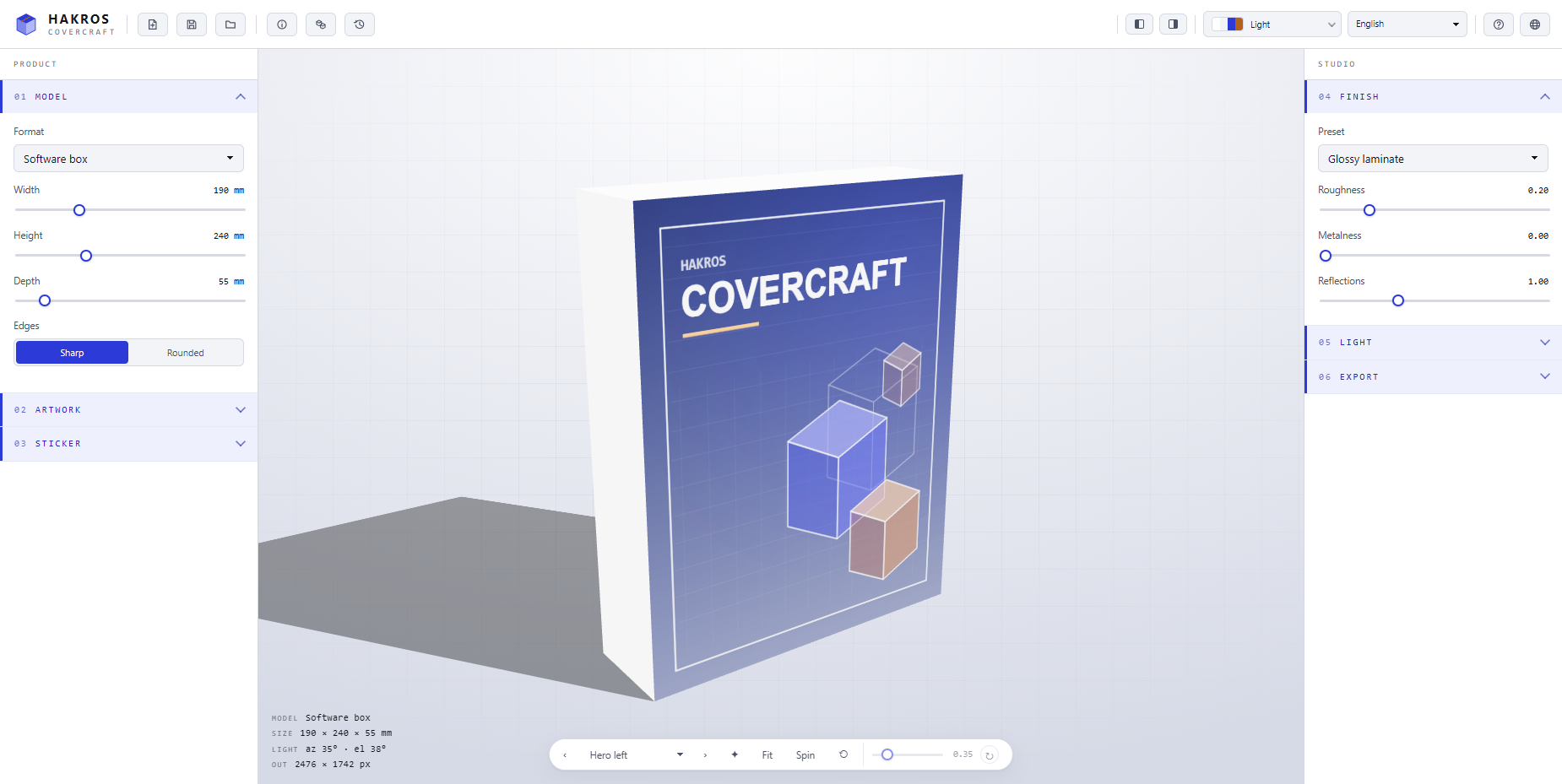
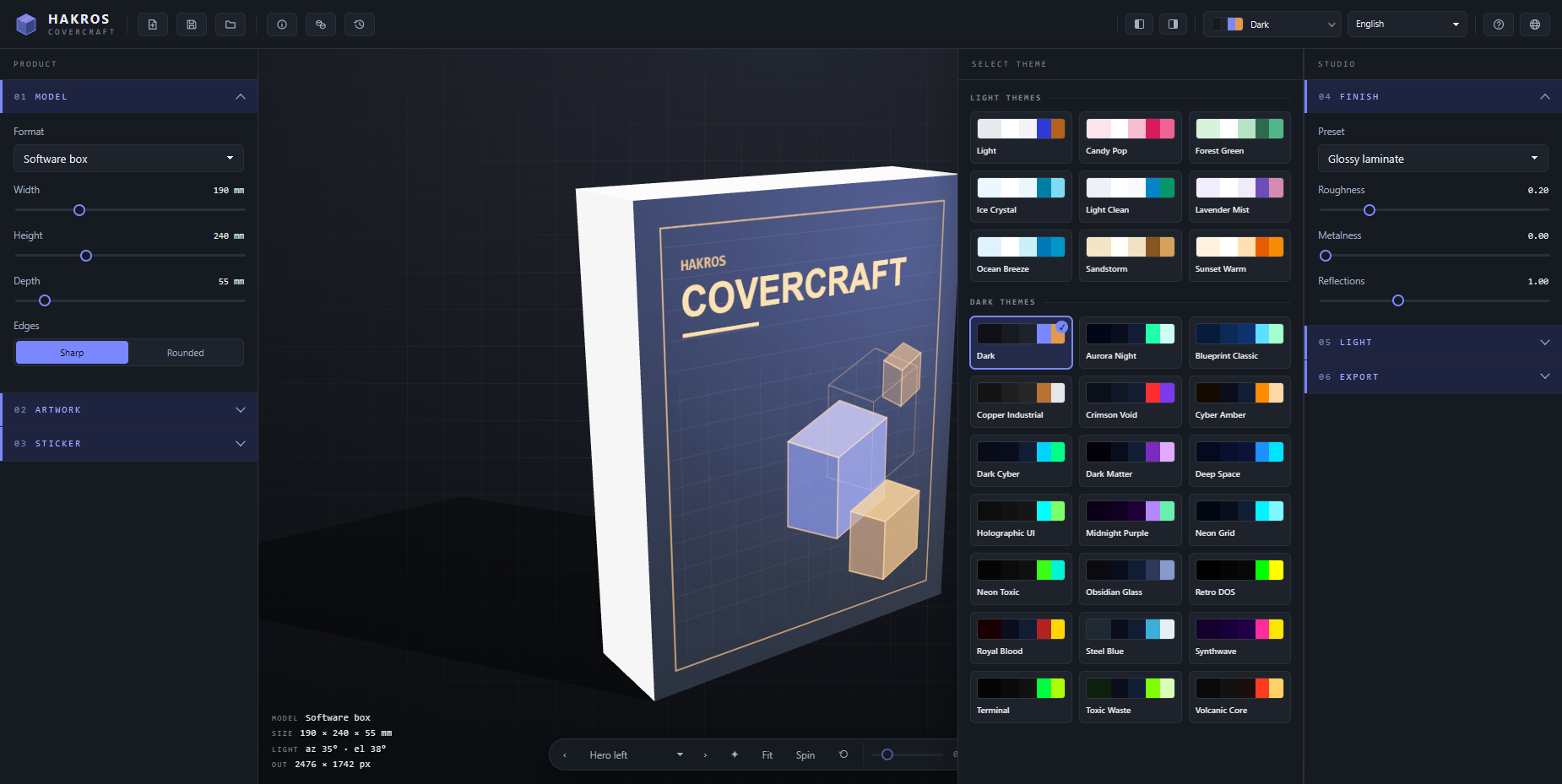
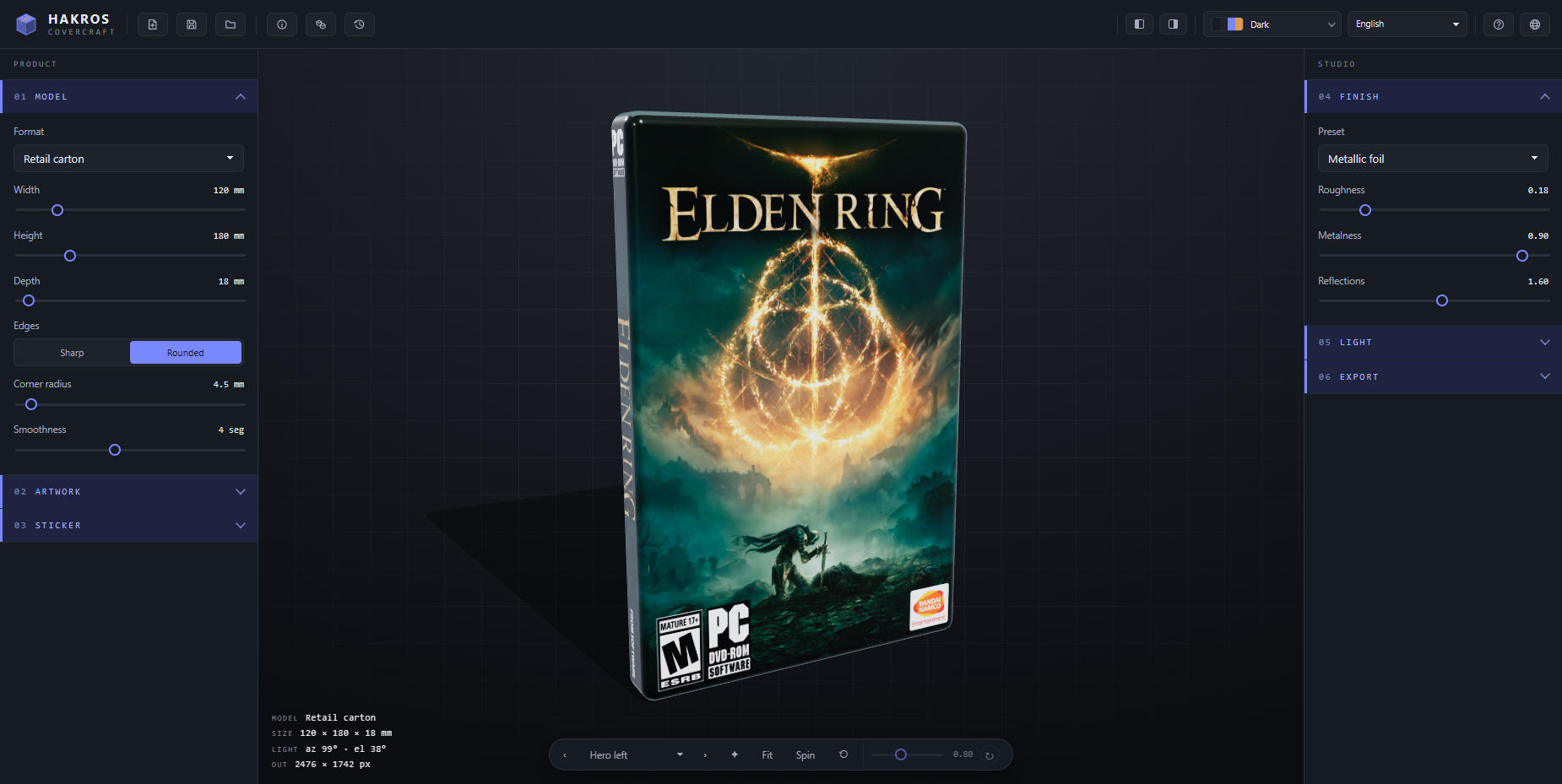
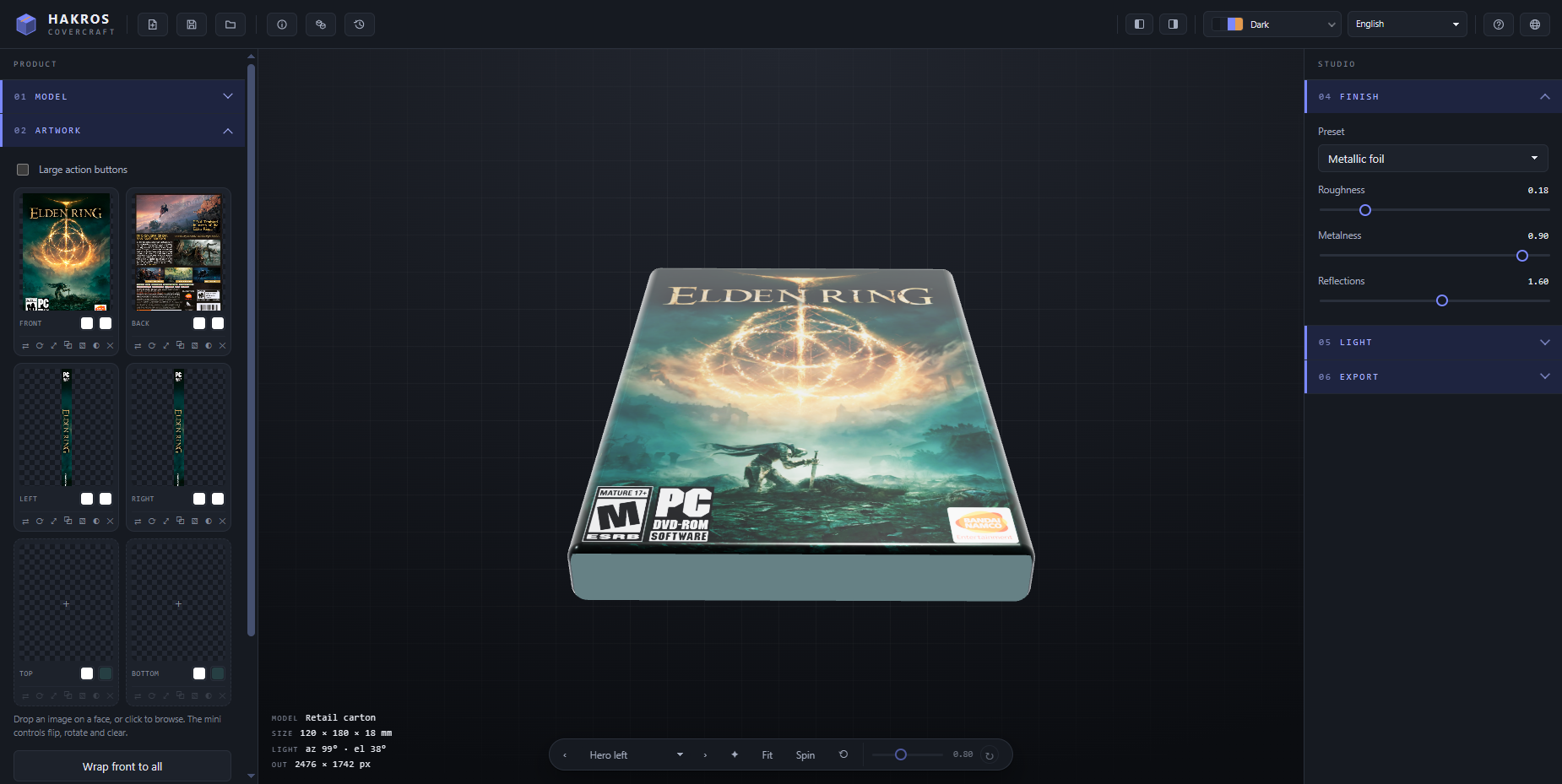
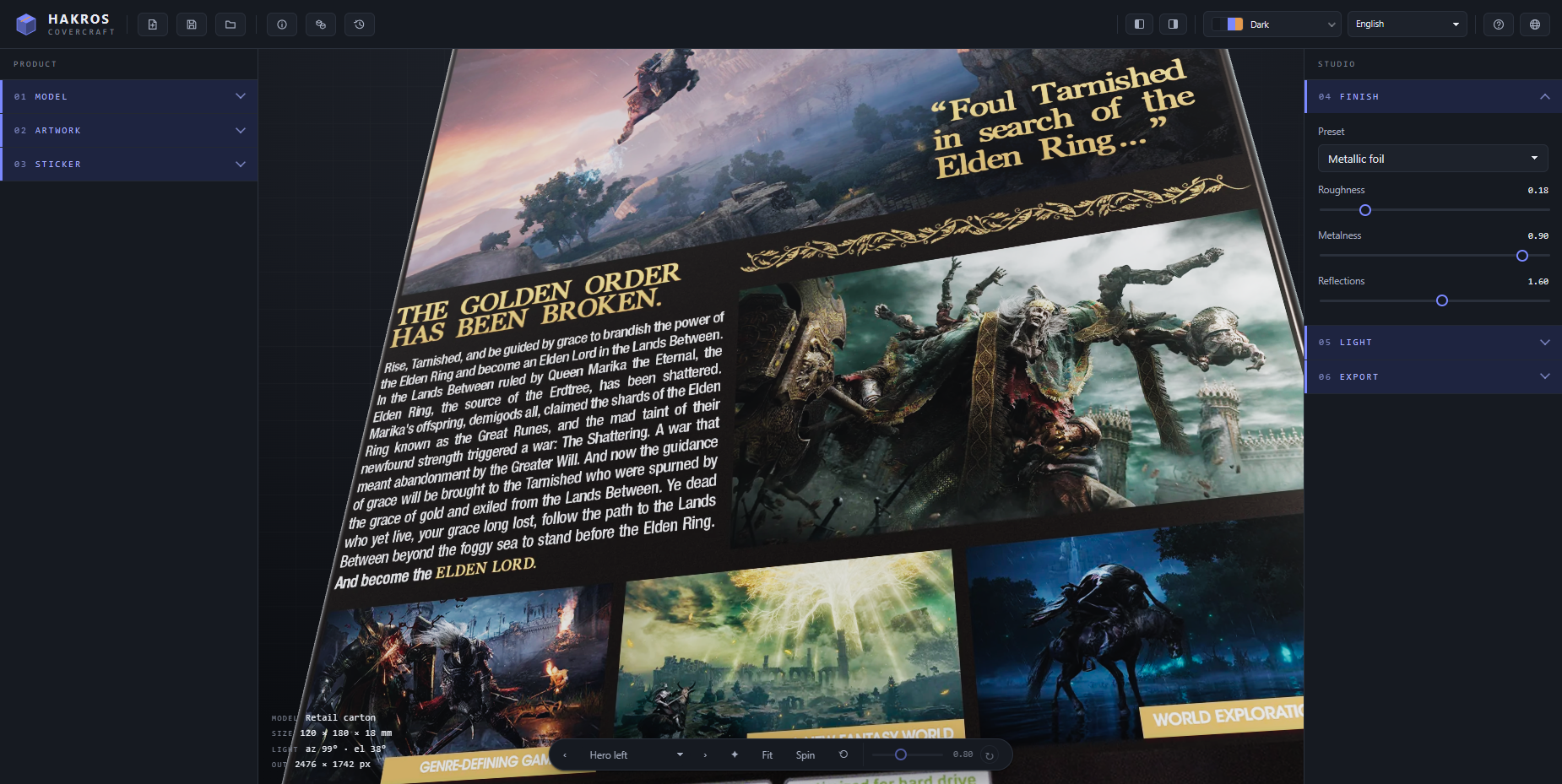
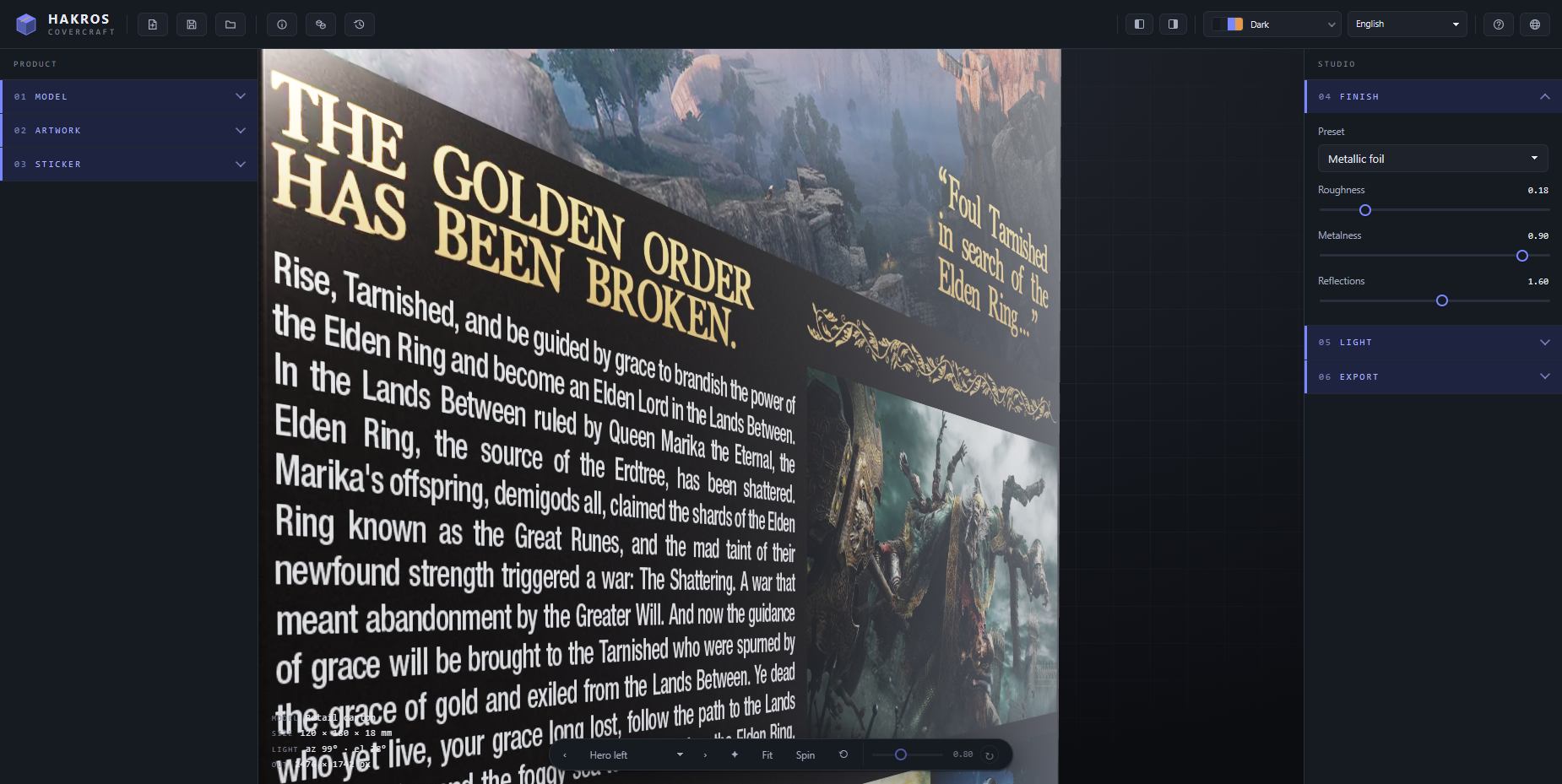
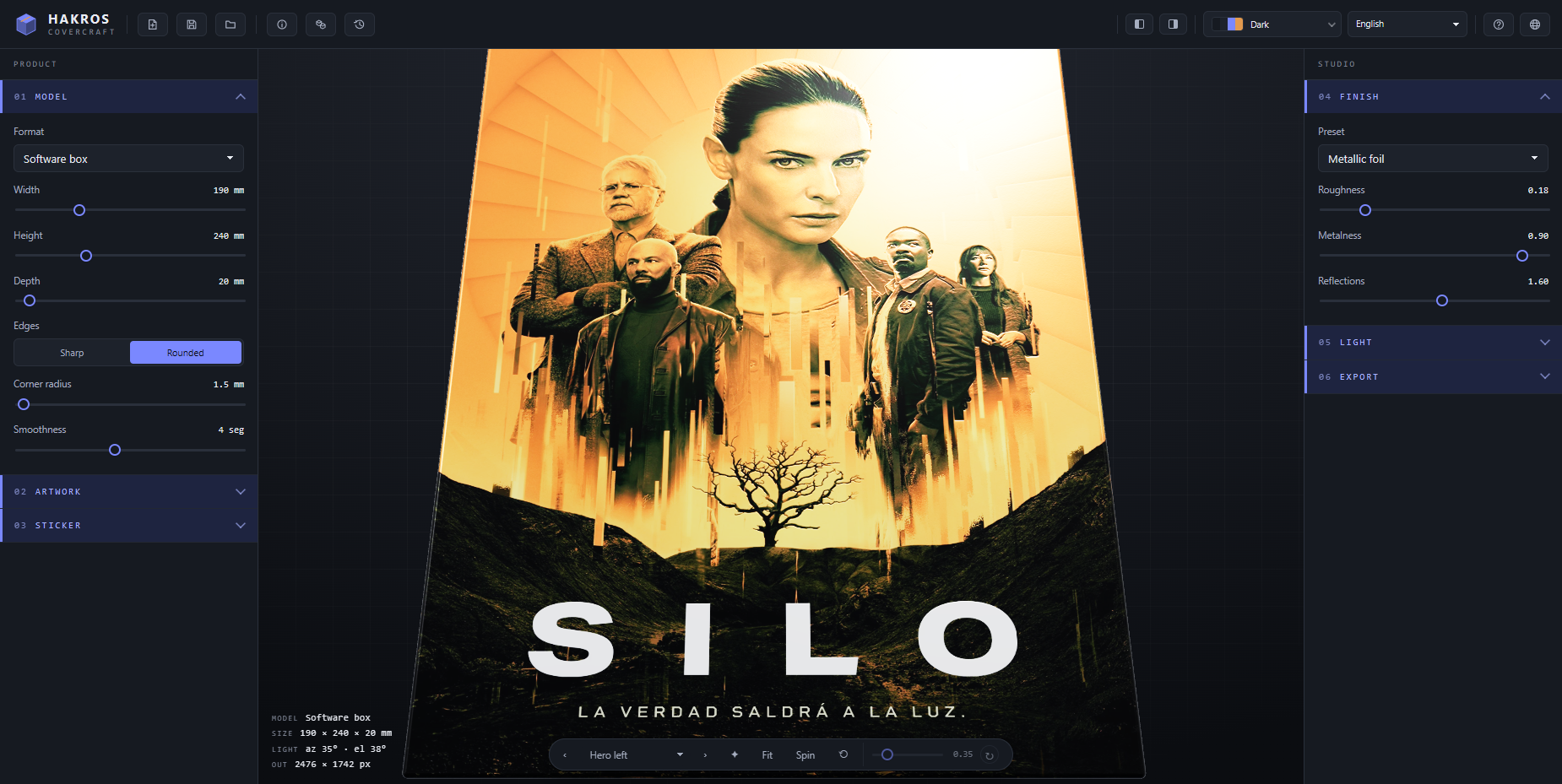
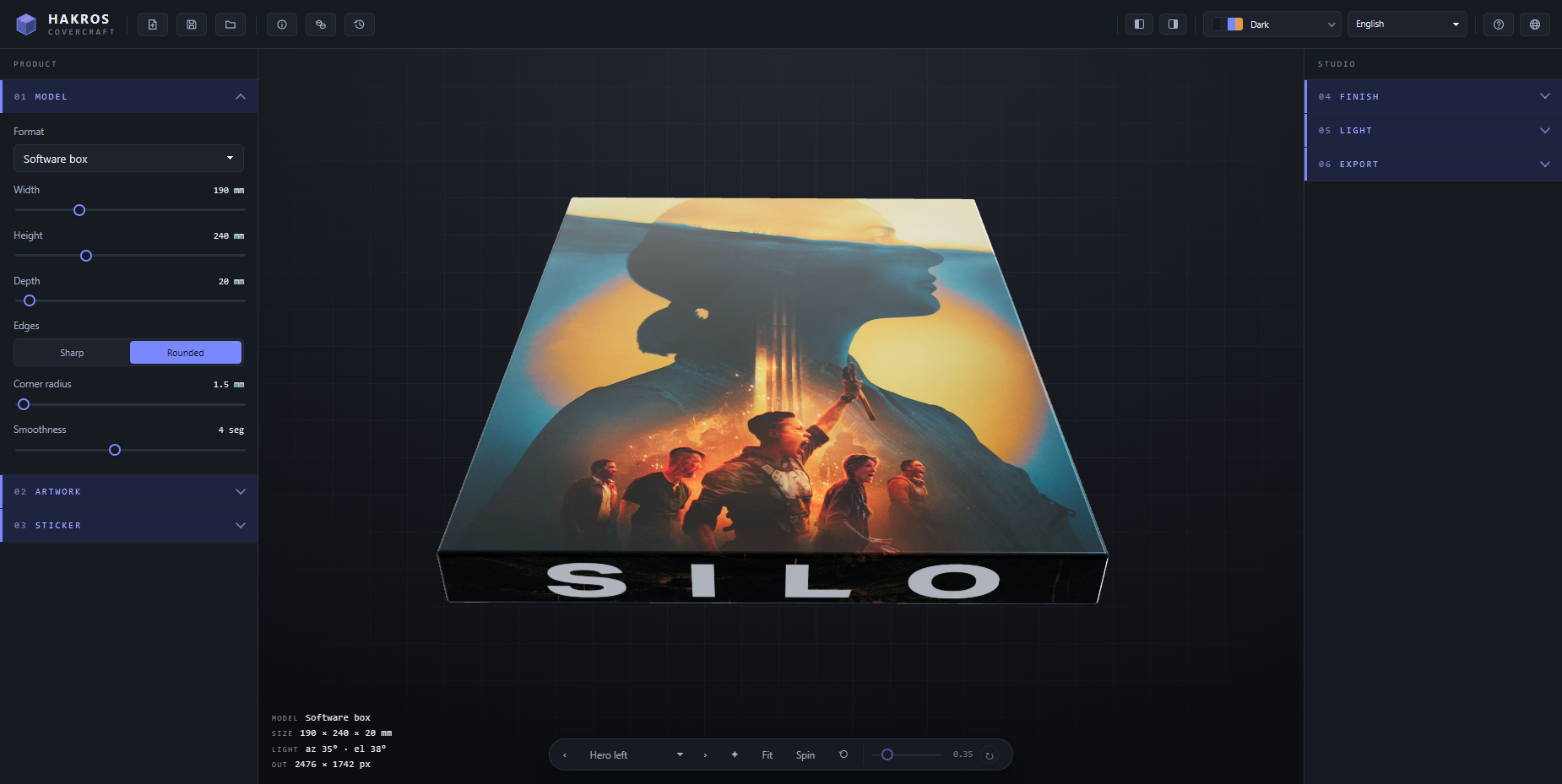
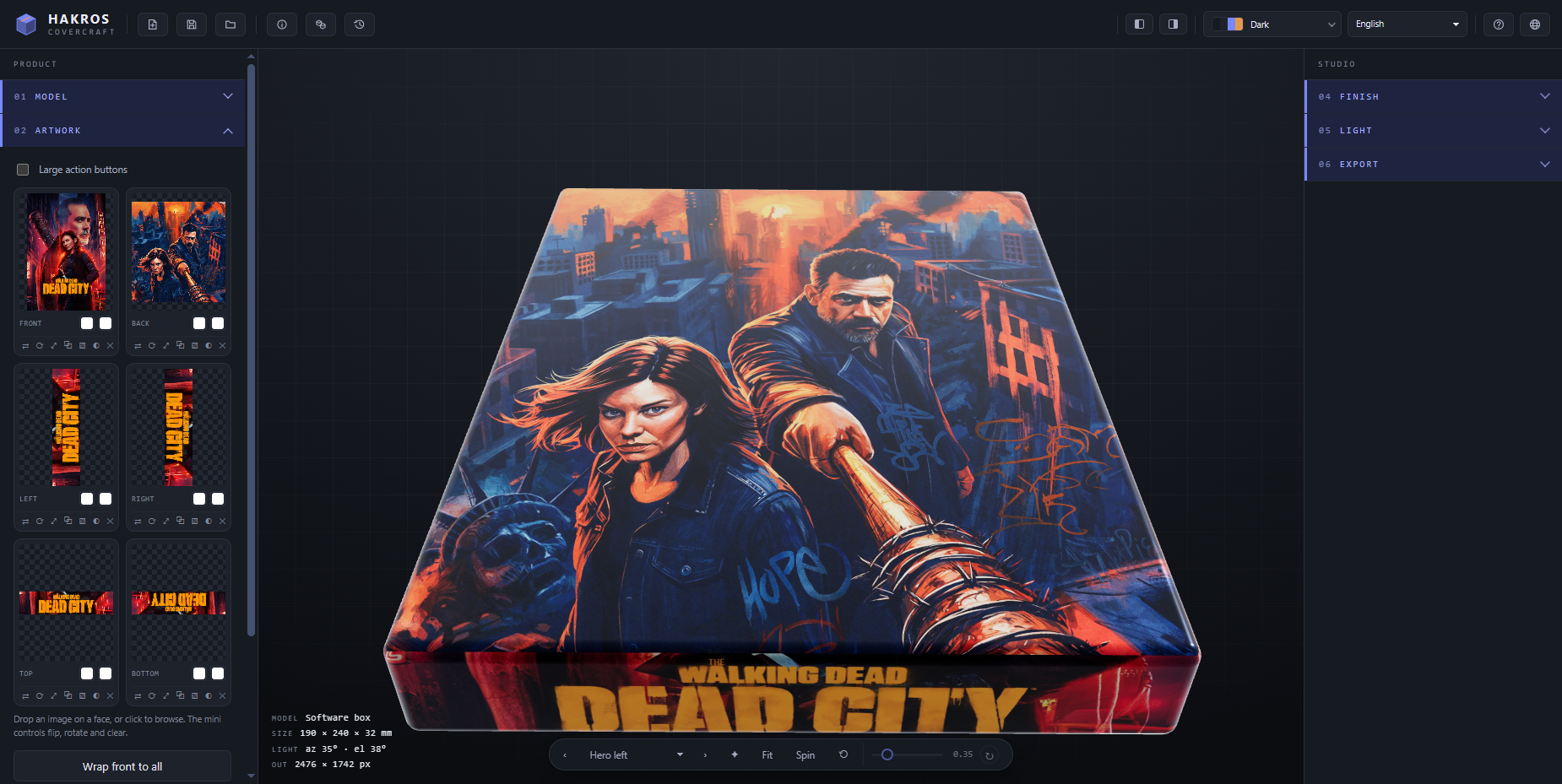
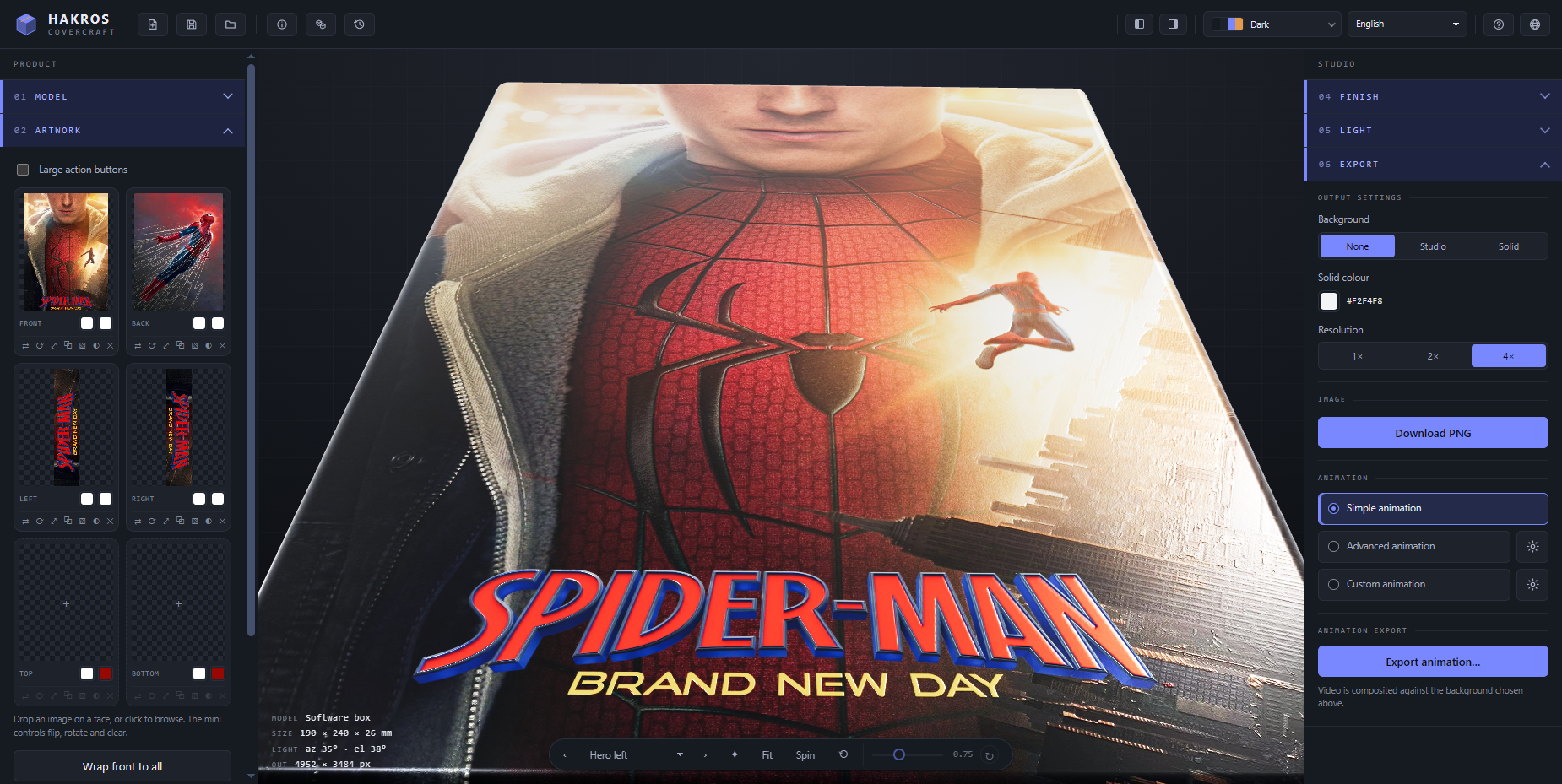
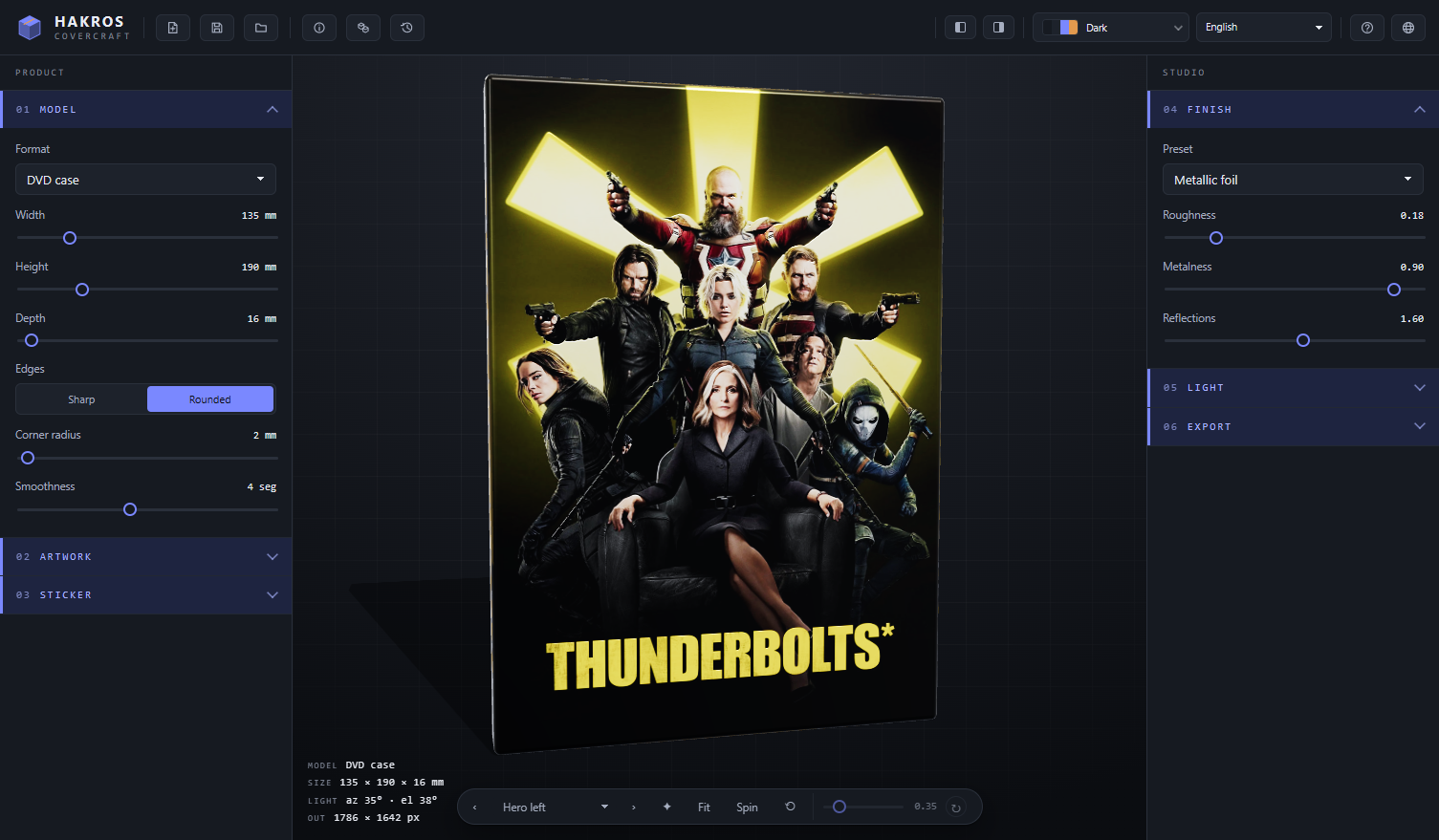
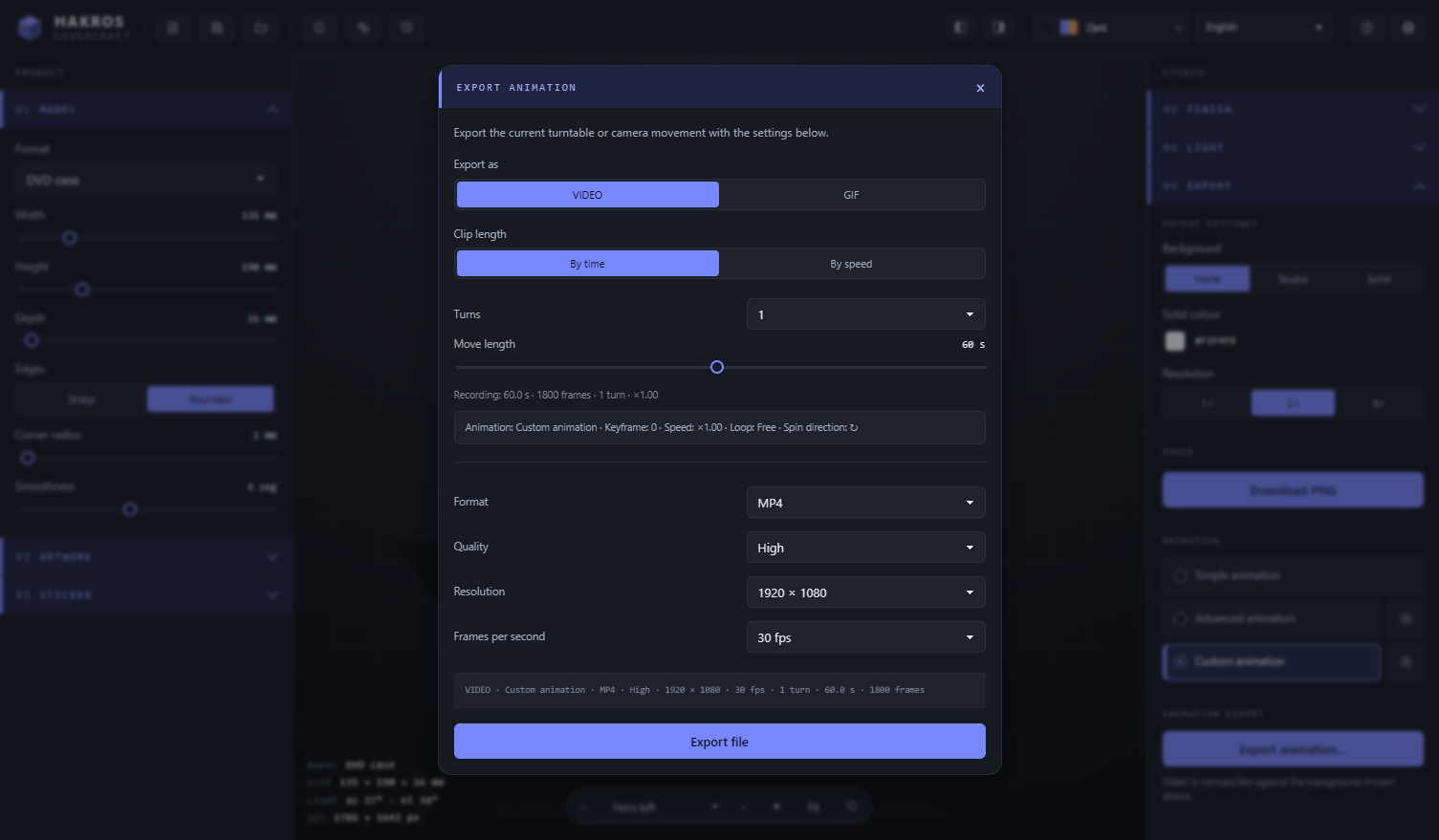
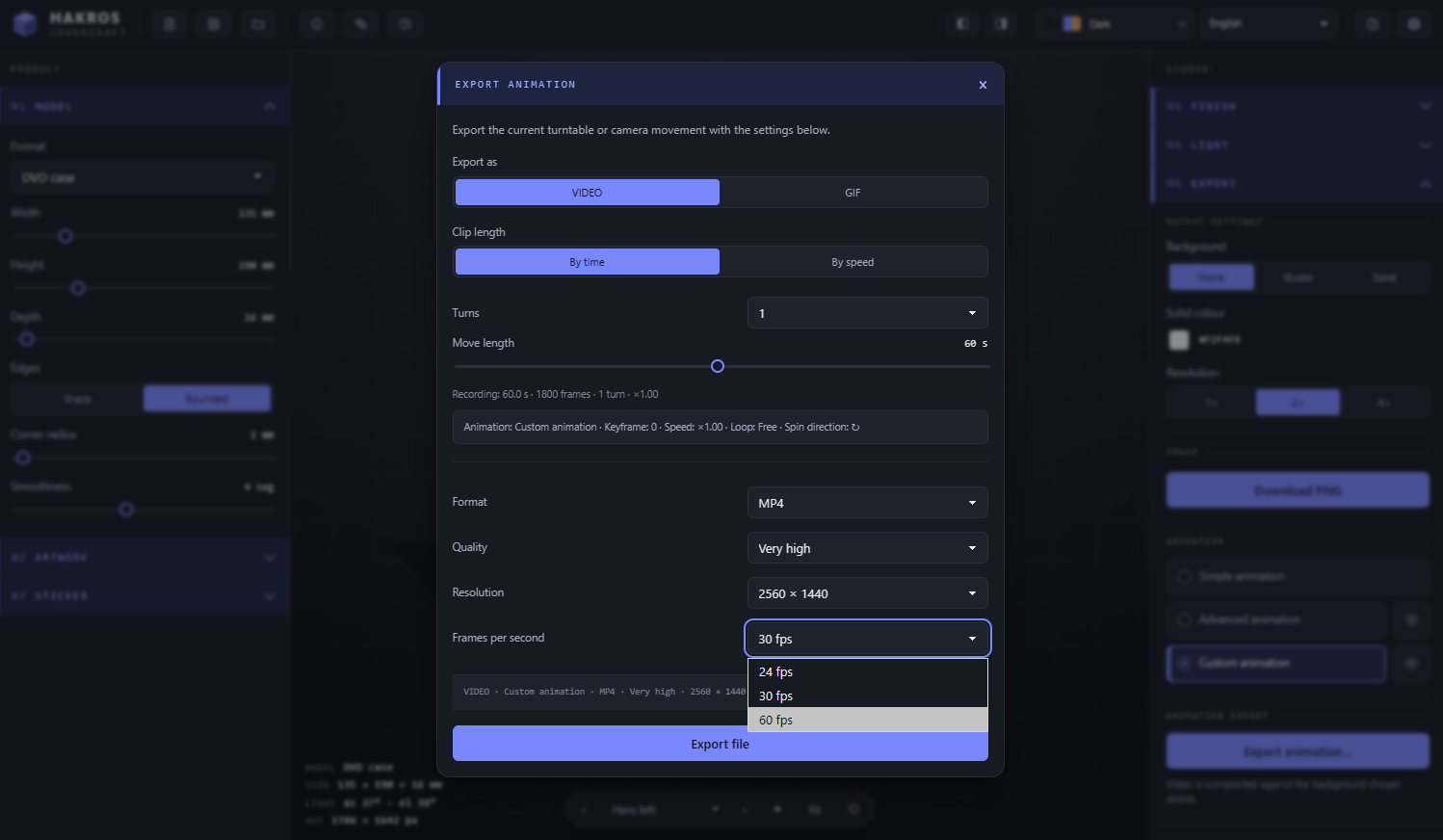
3D packaging studio for turning flat artwork into polished product renders.
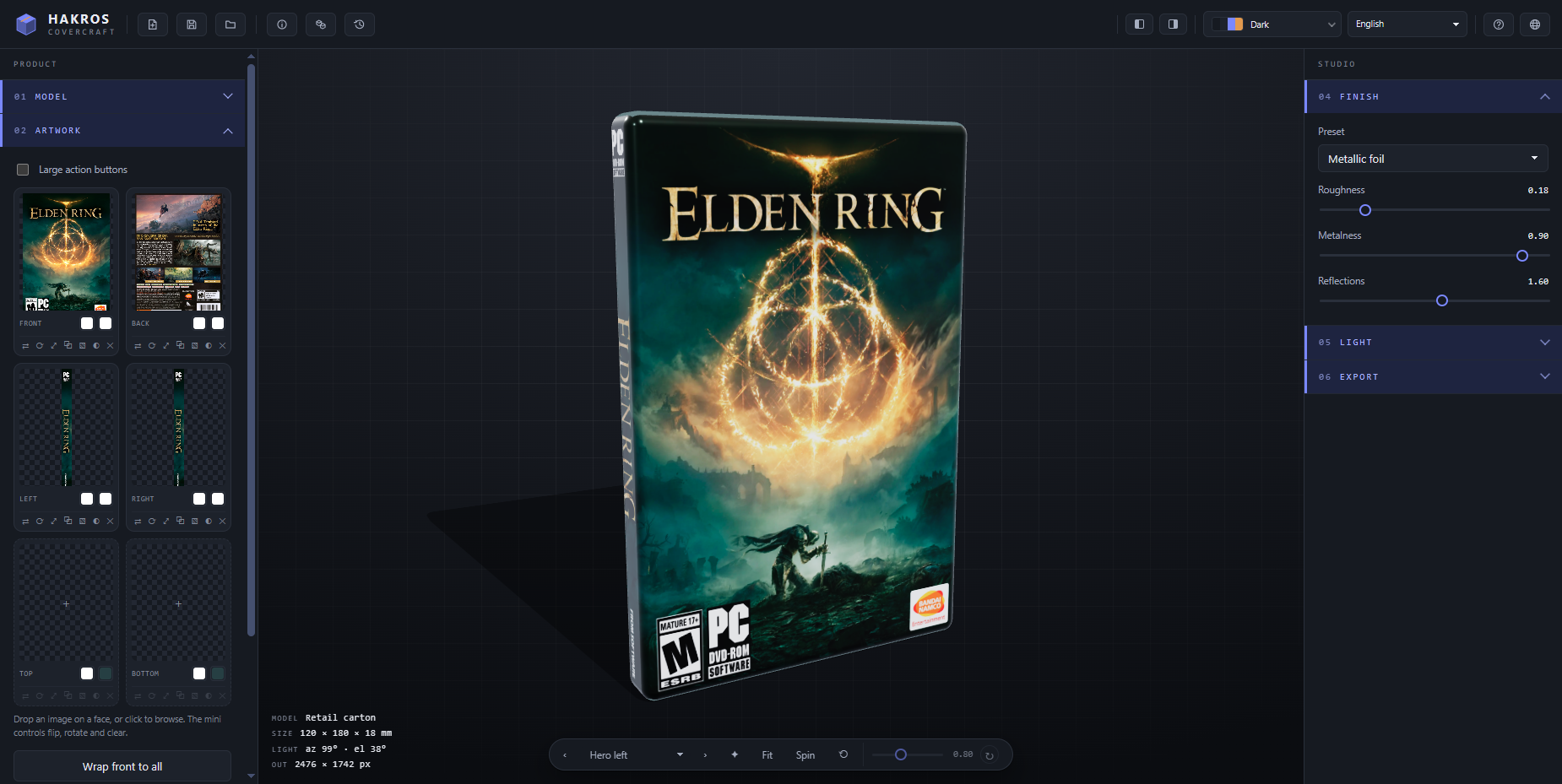
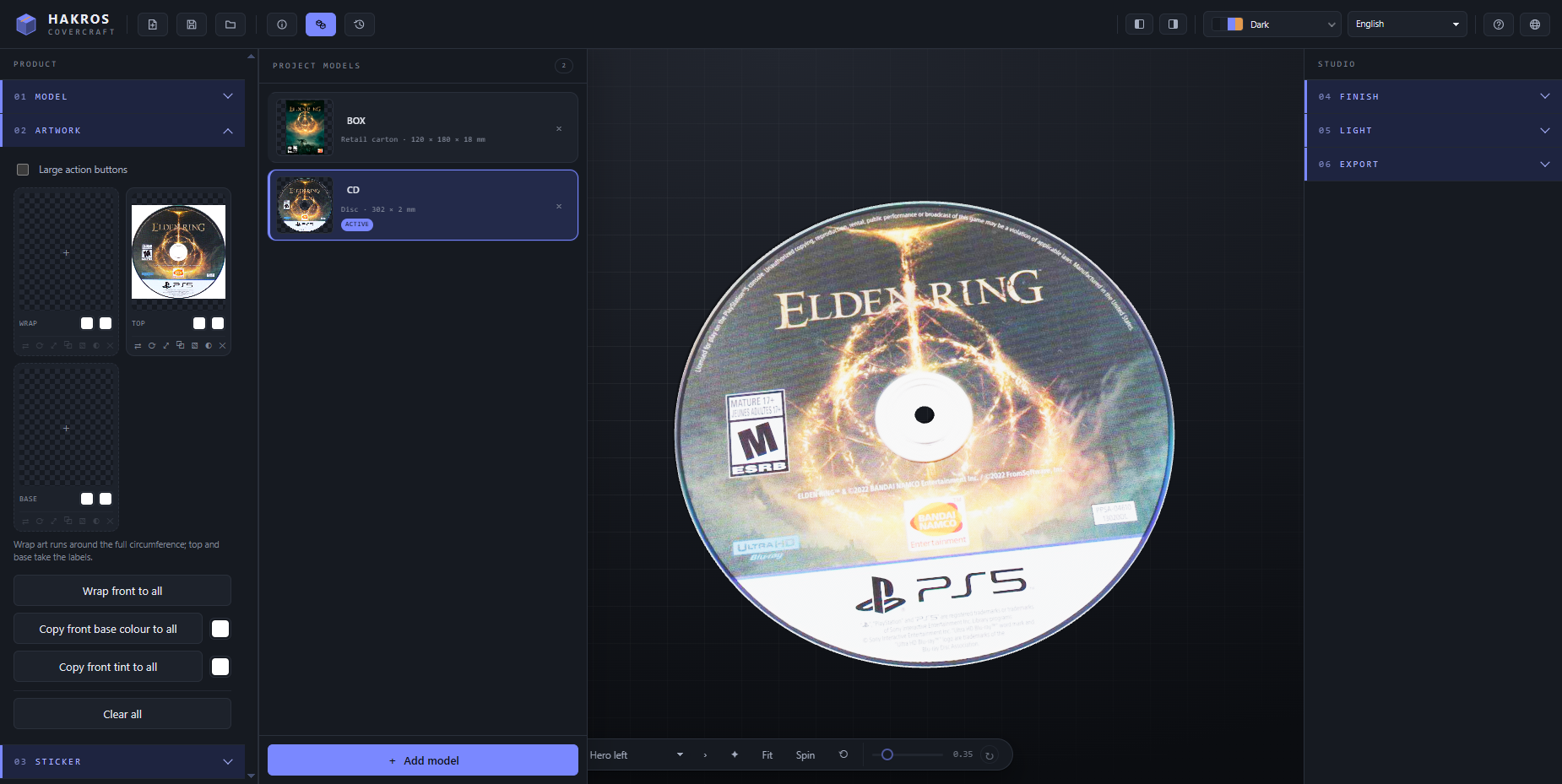
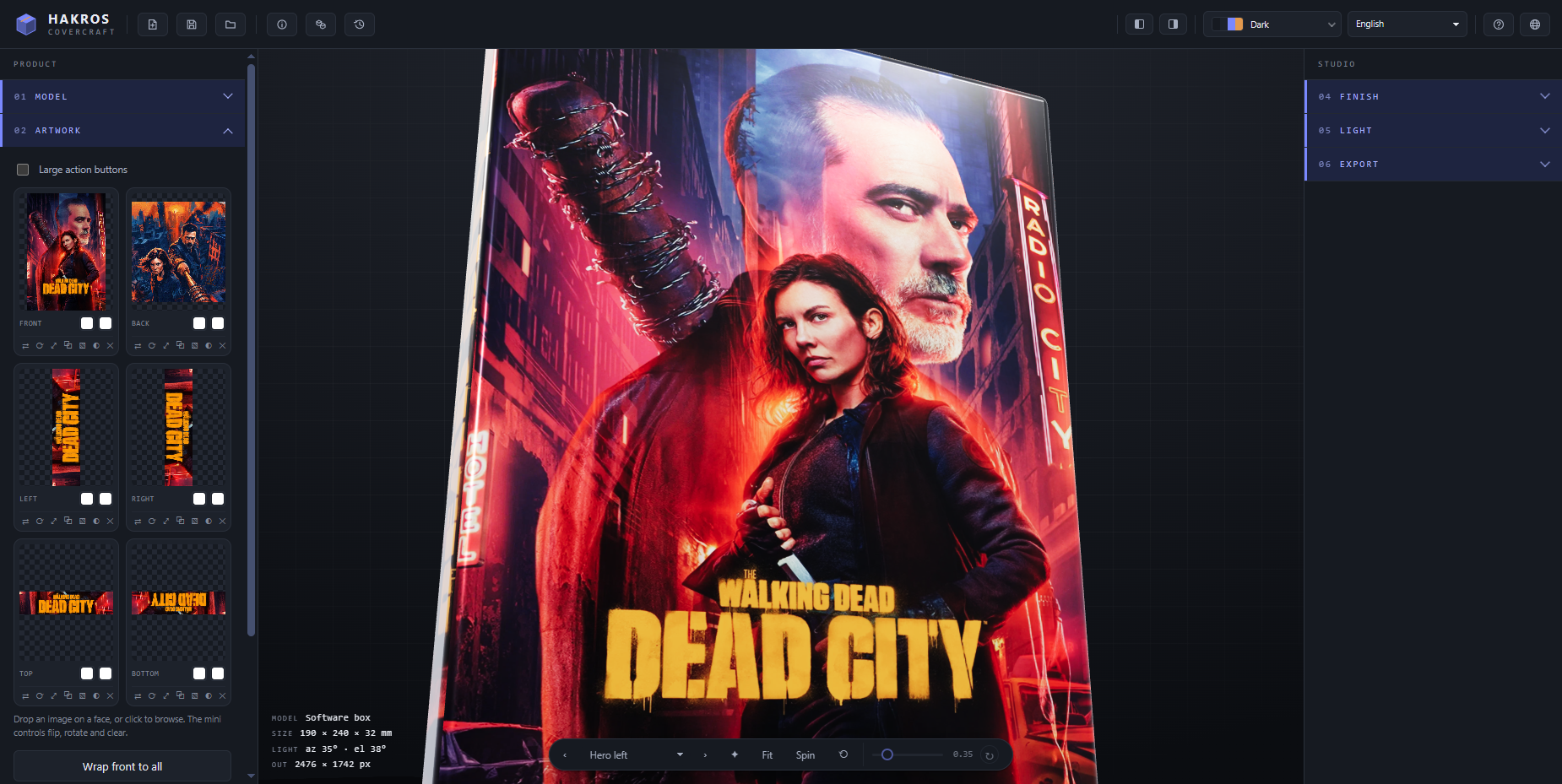
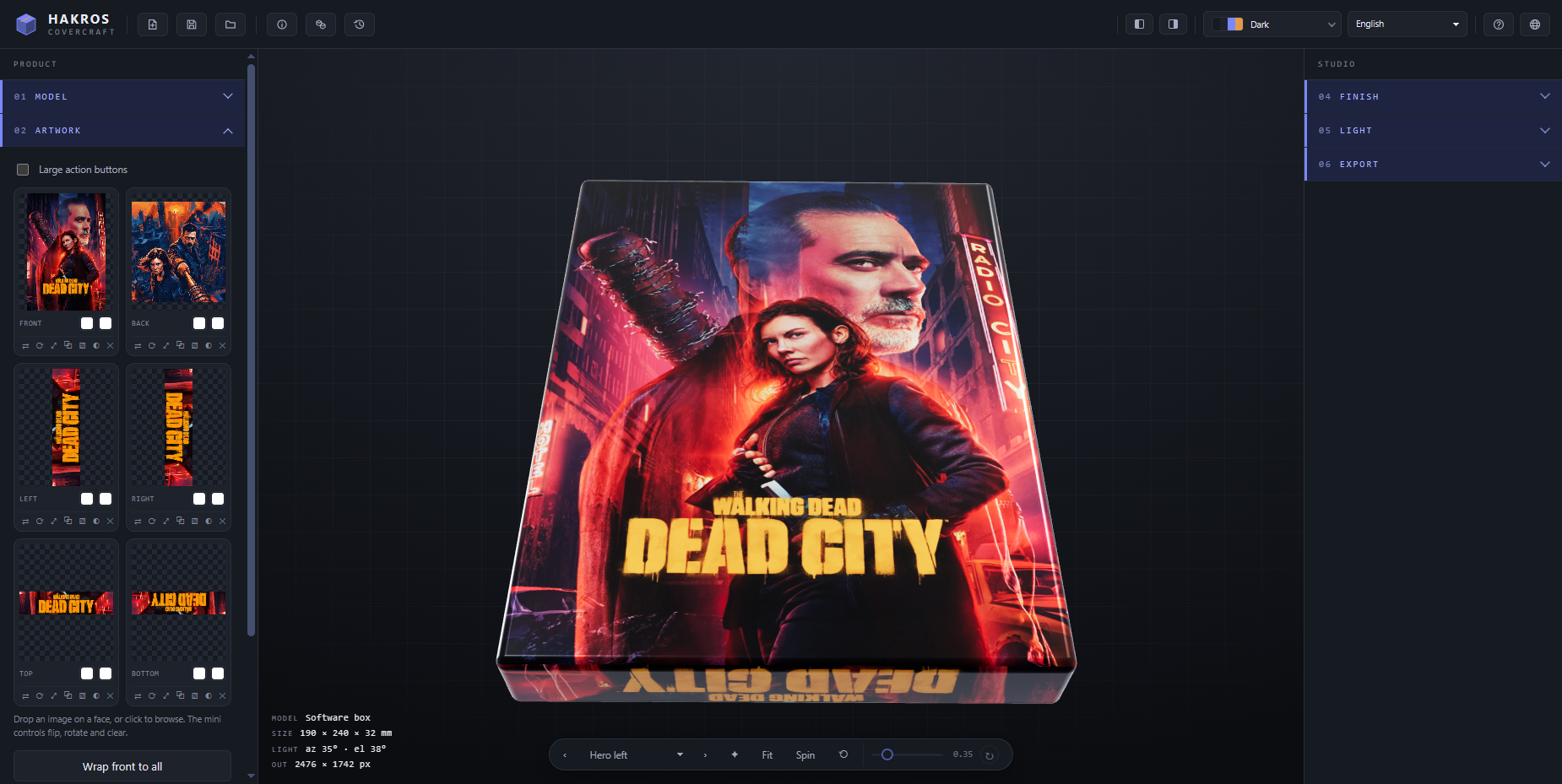
Apply your images to any face of more than thirty customizable models, including software boxes, DVD, Blu-ray and steelbook cases, hardcover and paperback books, magazines, ring notebooks, brochures, posters, business cards, coffee bags, tubes, tins, mugs, phones, laptops and picture frames. You can also build multi-item scenes such as stacked boxes, an open CD case with its disc, or a pile of DVDs.
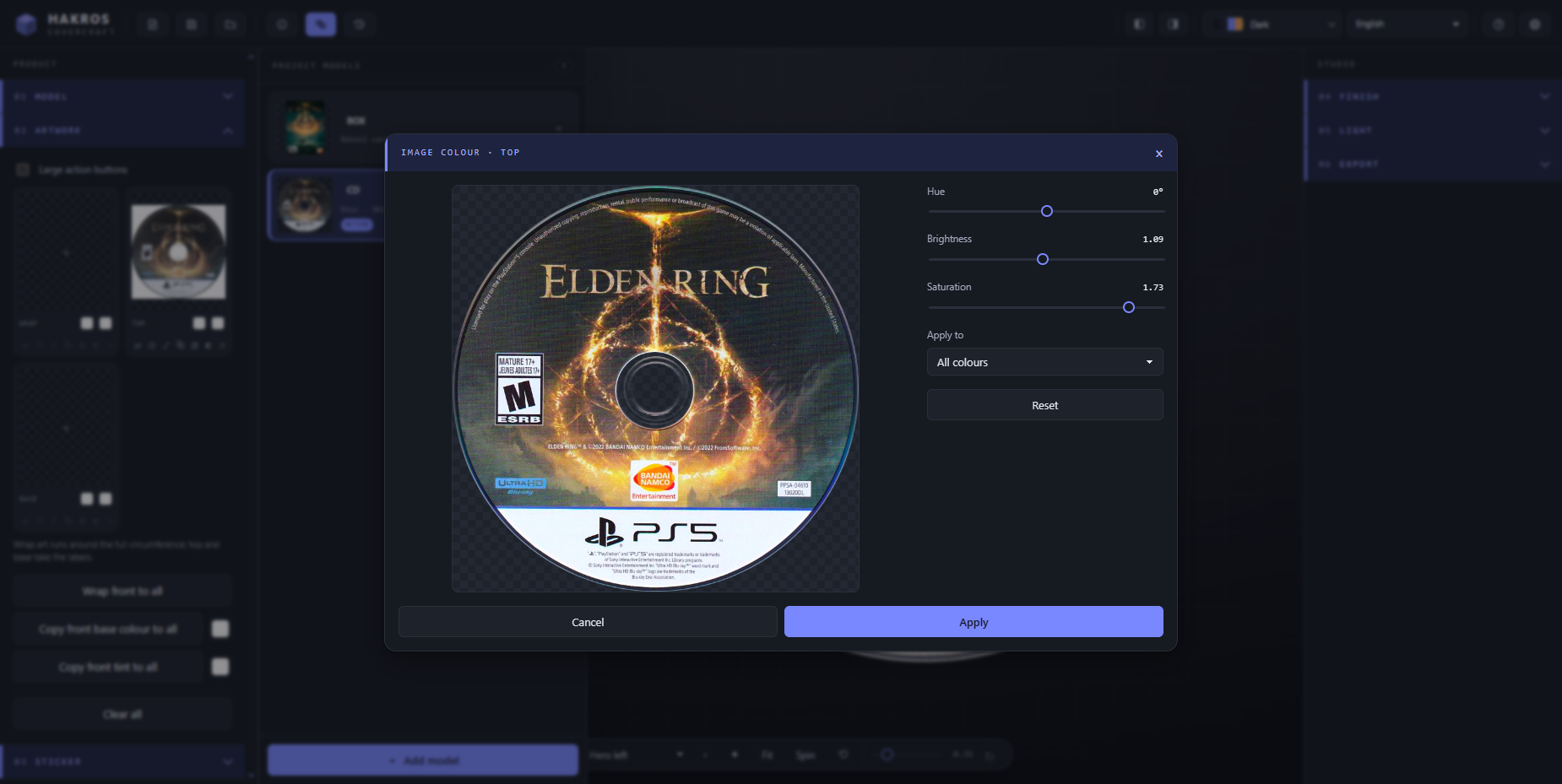
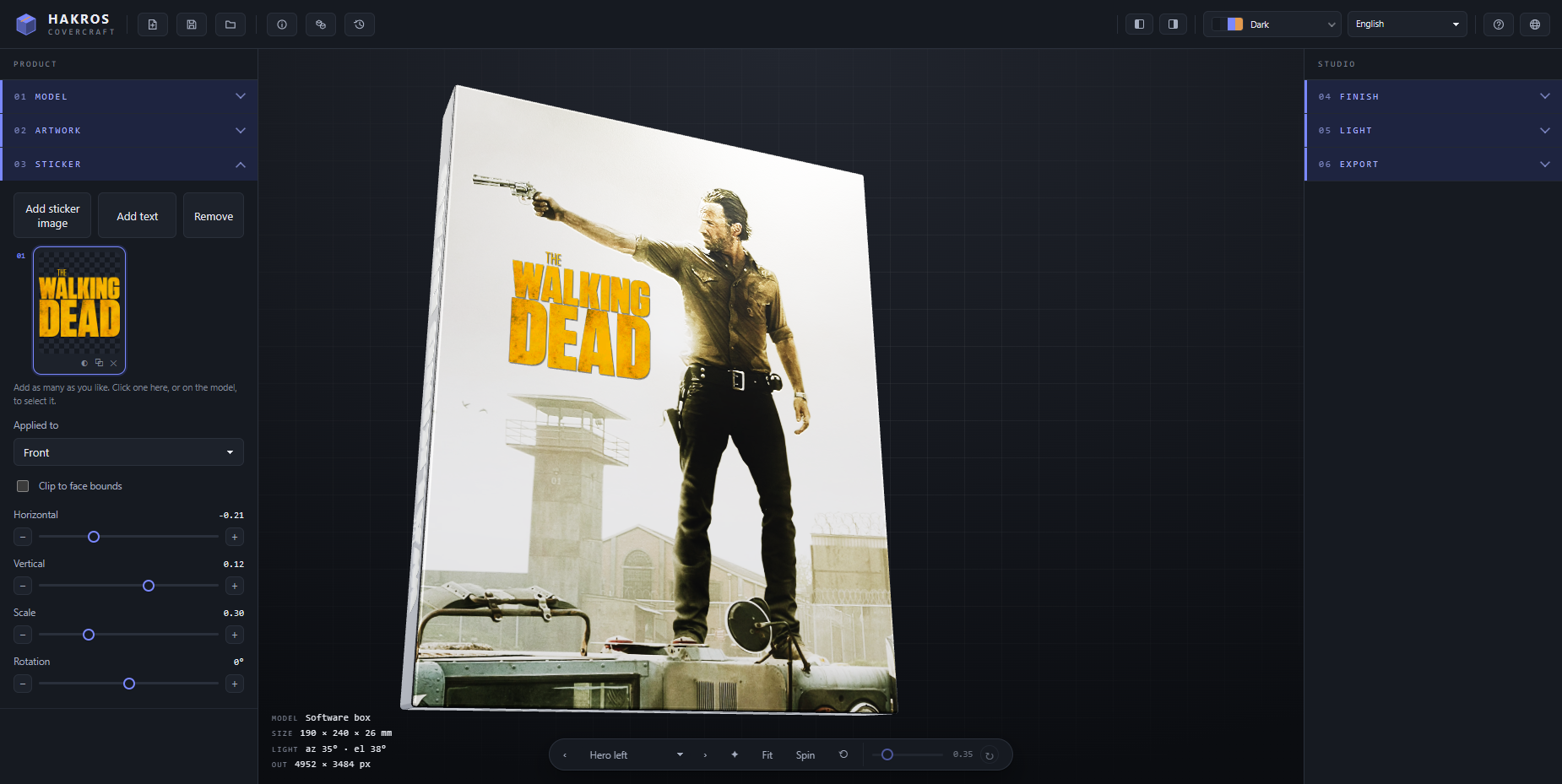
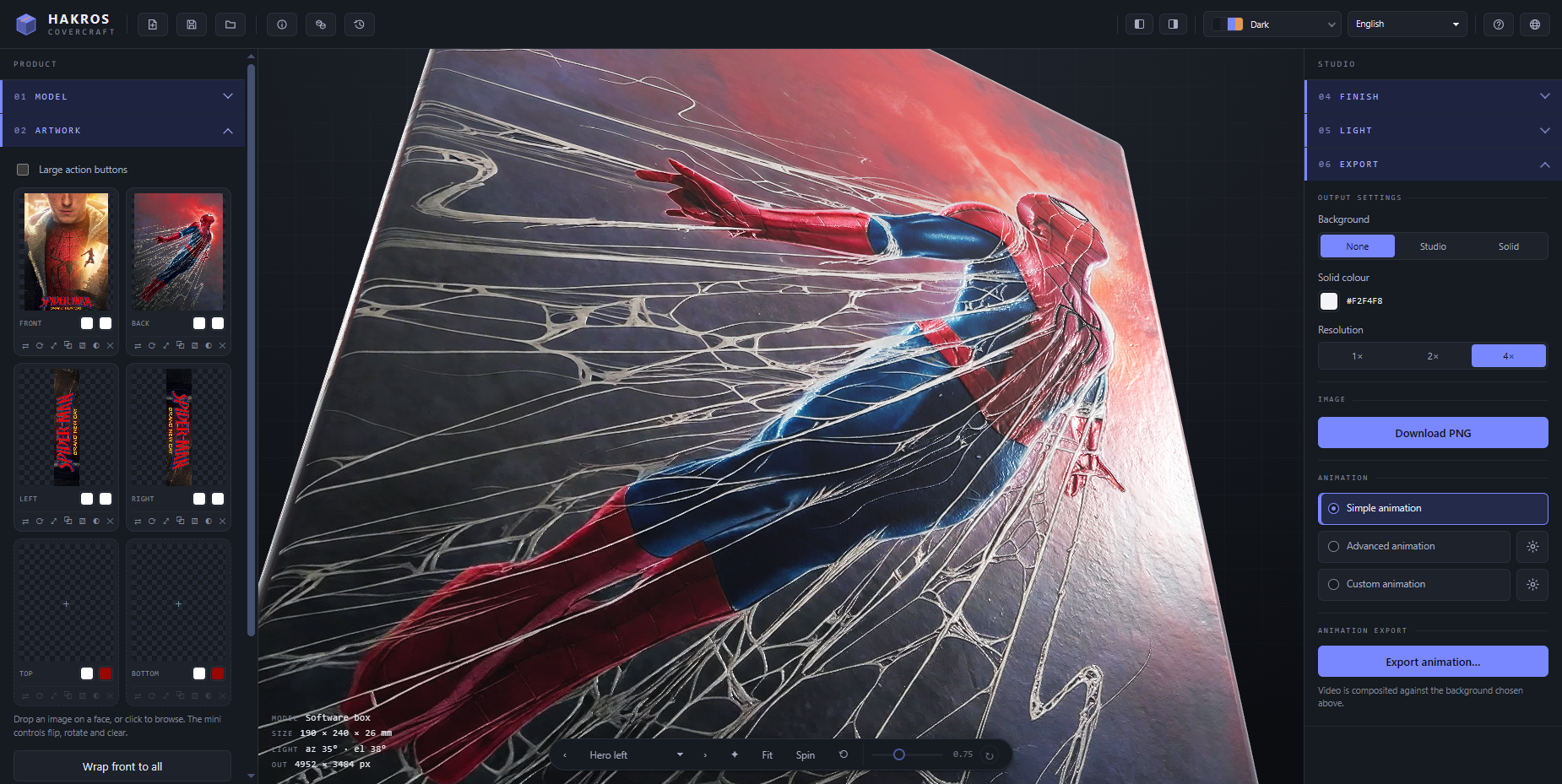
Adjust real-world measurements in millimetres, including size, corner radius, cover angle and surface finish, from matte cardboard to gloss laminate and metallic foil. Each face can be edited separately, with visual cropping, flip and rotation controls, base colour, image-based embossing, and unlimited stickers that you can place wherever you want.
Lighting and presentation are just as flexible. A draggable light control, five studio setups, procedural environment lighting and contact shadows
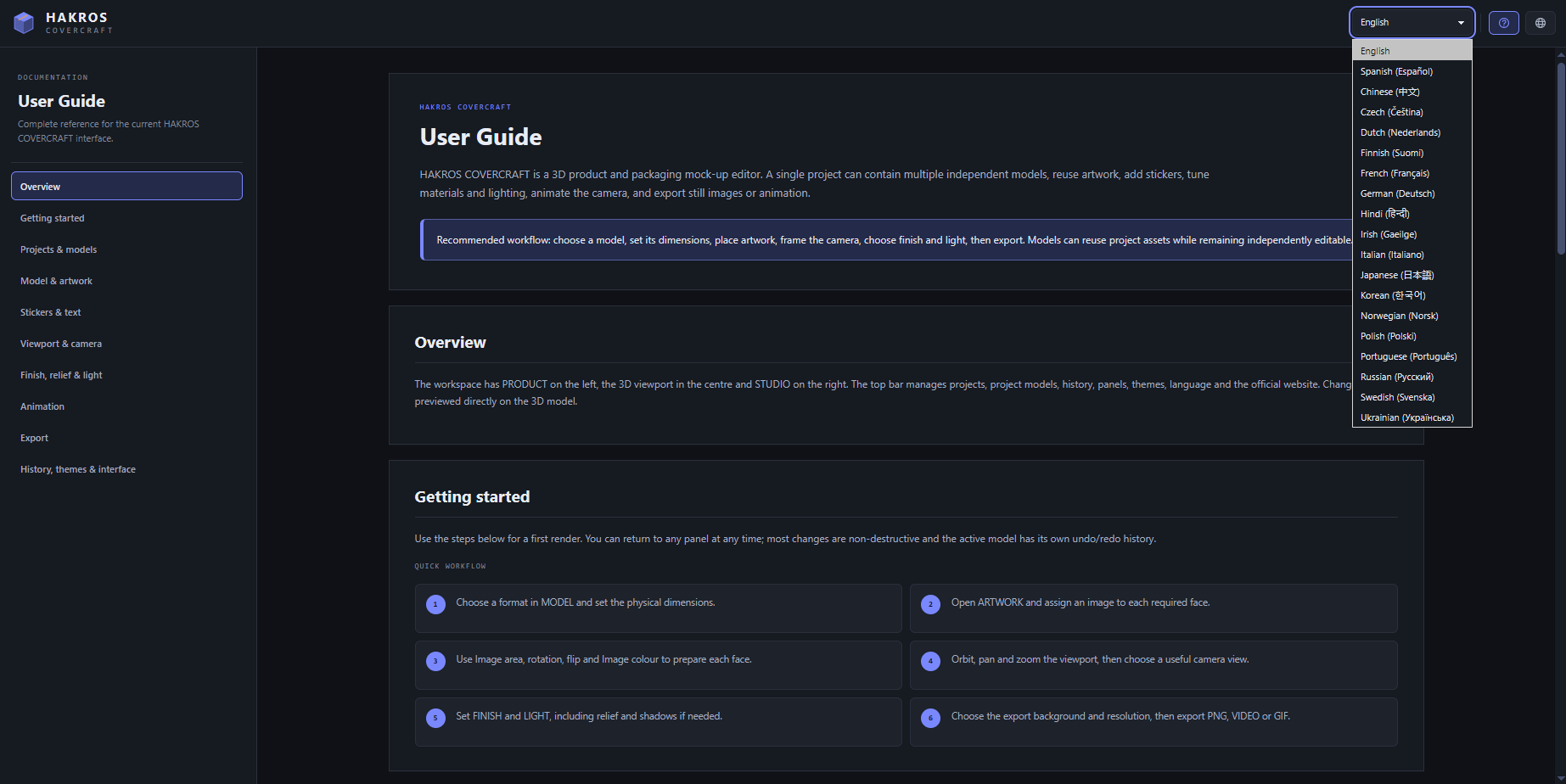
Application translated into the following languages:
- Chinese
- Czech
- Dutch
- English
- Finnish
- French
- German
- Hindi
- Irish
- Italian
- Japanese
- Korean
- Norwegian
- Polish
- Portuguese
- Russian
- Spanish
- Swedish
- Ukrainian
Overview
HAKROS COVERCRAFT is a visual packaging and cover design application focused on creating polished box-art presentations quickly and consistently.
It is designed for users who want to build professional-looking software, game, media, product, or promotional packaging without having to create every element from scratch in a traditional graphics editor.
COVERCRAFT combines template-based composition, real-time visual editing, 3D presentation tools, multilingual support, and export-oriented workflows in a single application.
This guide is intended as a feature overview for digital-store customers. It is not a step-by-step manual. Detailed usage instructions are available directly inside the application.
What You Can Create
COVERCRAFT can be used to prepare visual packaging and presentation artwork for a wide range of projects, including:
- Software boxes
- Game packaging
- Product mockups
- Promotional covers
- Collector-style box presentations
- Digital storefront artwork
- Concept packaging
- Presentation images for websites, portfolios, and marketing material
The application is designed around fast visual iteration, allowing you to test layouts, artwork, colors, logos, text, and presentation styles before exporting your final result.
Visual Cover Design
COVERCRAFT provides a structured workspace for building complete cover designs from reusable visual elements.
You can work with:
- Front-cover artwork
- Back-cover artwork
- Spine content
- Logos
- Titles
- Subtitles
- Descriptions
- Labels
- Branding elements
- Backgrounds
- Decorative graphics
- Product information
- Custom images
The application helps keep the different parts of the package visually coordinated while still allowing each section to be customized independently.
Real-Time Editing
Changes are reflected directly in the working preview, making it easy to experiment with the design without repeatedly exporting test images.
Typical adjustments include:
- Positioning
- Scaling
- Alignment
- Spacing
- Typography
- Colors
- Background appearance
- Image placement
- Visual balance
- Layout structure
This workflow is especially useful when comparing several design variations before deciding on a final presentation.
3D Packaging Preview
One of COVERCRAFT's key features is the ability to present your design as a three-dimensional product.
Instead of evaluating the artwork only as a flat image, you can preview how the complete package looks when displayed as a physical box.
The 3D presentation system can help you evaluate:
- Front and side proportions
- Spine readability
- Overall color balance
- Branding visibility
- Artwork continuity
- Product presence
- Final presentation quality
This is particularly useful for preparing promotional images and storefront visuals.
Presentation and Rendering
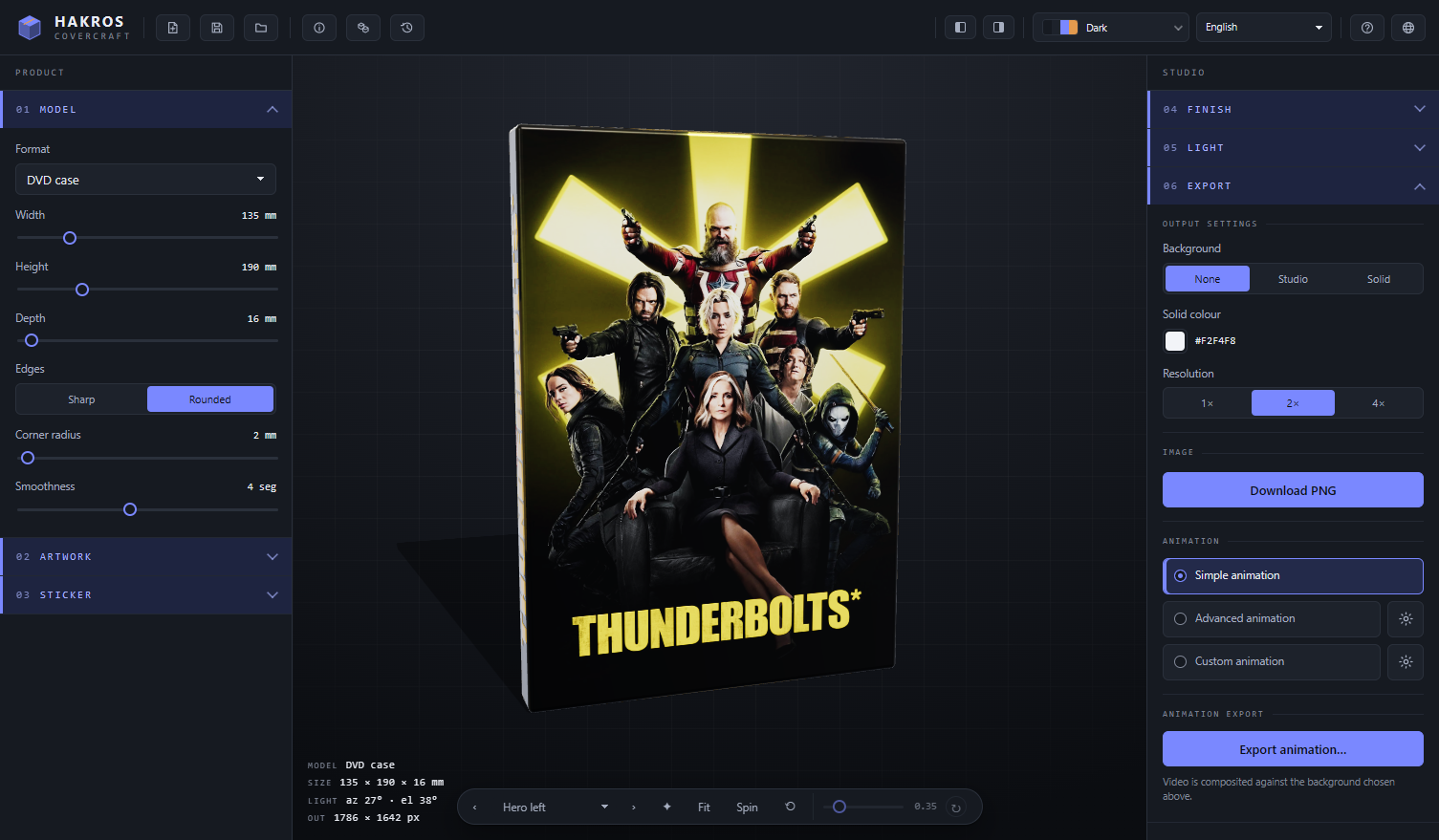
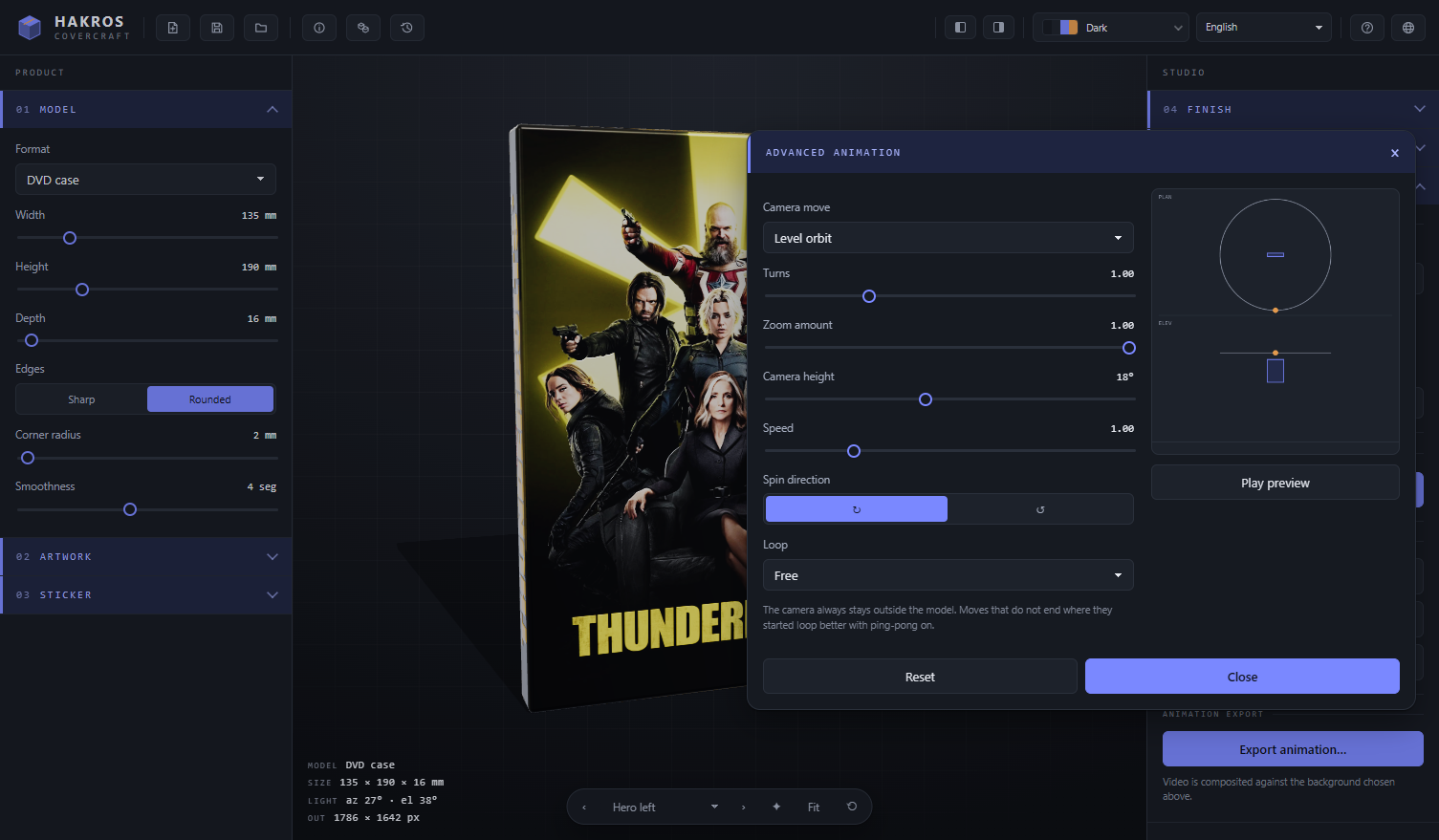
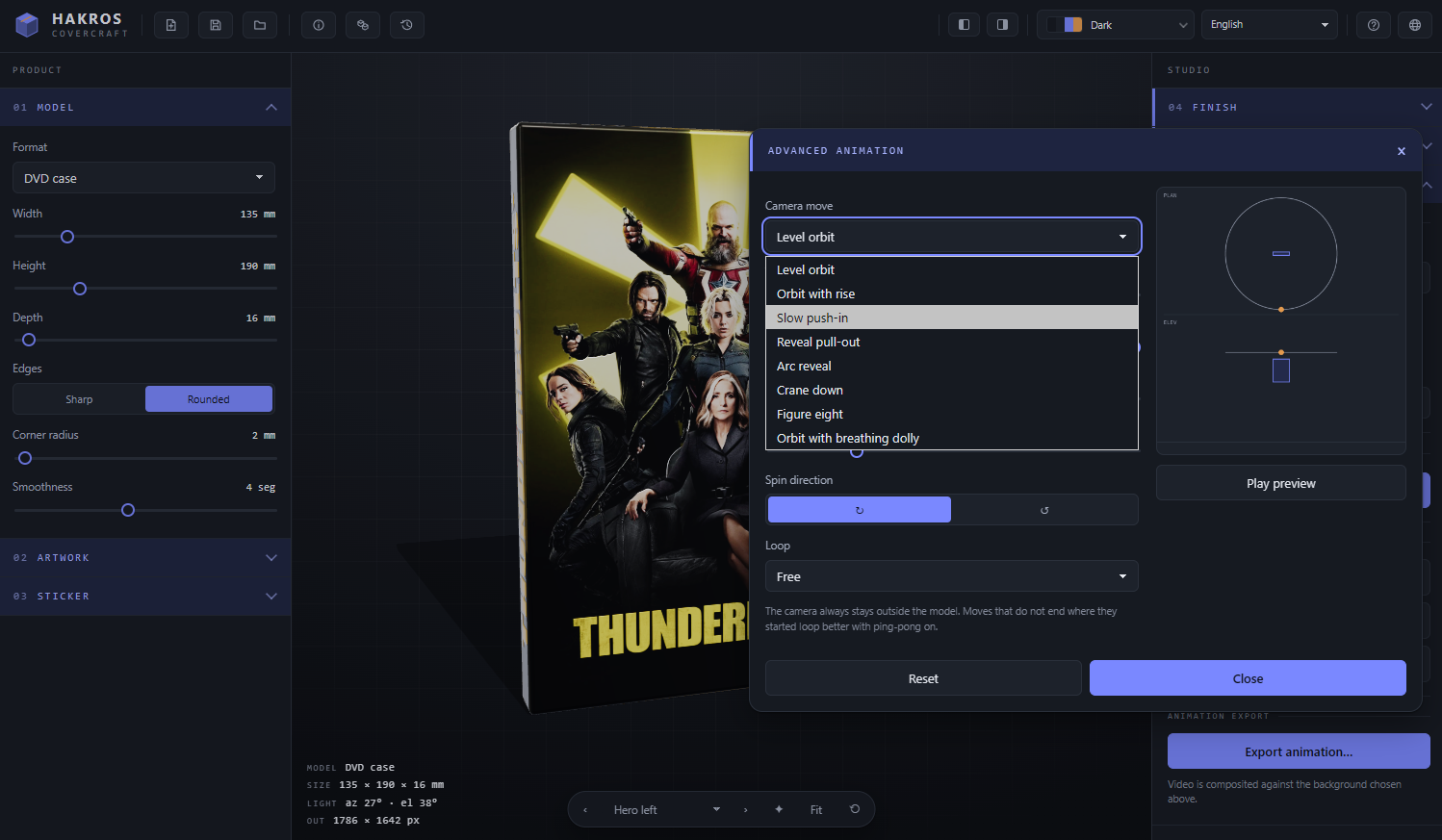
COVERCRAFT includes rendering and presentation tools intended to turn your design into a finished promotional image.
Depending on the selected presentation, you can create cleaner product-style visuals suitable for:
- Store pages
- Websites
- Social media
- Portfolio pages
- Press material
- Product announcements
- Promotional graphics
The application is designed to make the final presentation part of the creative process rather than a separate external task.
Custom Artwork and Assets
You are not limited to the built-in visual resources.
COVERCRAFT allows you to build designs around your own assets, such as:
- Illustrations
- Screenshots
- Logos
- Backgrounds
- Product artwork
- Promotional images
- Branding material
- Custom graphics
This makes the application suitable both for quick mockups and for fully customized commercial projects.
Layout Flexibility
The interface is designed to support different visual styles rather than forcing every project into the same appearance.
You can create designs that are:
- Minimal
- Corporate
- Colorful
- Retro
- Futuristic
- Technical
- Gaming-oriented
- Premium
- Experimental
The same project can be revised into multiple visual directions without rebuilding the entire composition from zero.
Typography and Text
COVERCRAFT supports text-based elements throughout the design, allowing the package to include the information expected from a finished product presentation.
This can include:
- Product name
- Edition name
- Taglines
- Descriptions
- Feature summaries
- Technical information
- Promotional text
- Legal text
- Branding information
The goal is to integrate text naturally into the visual composition rather than treating it as an afterthought.
Multiple Visual Themes
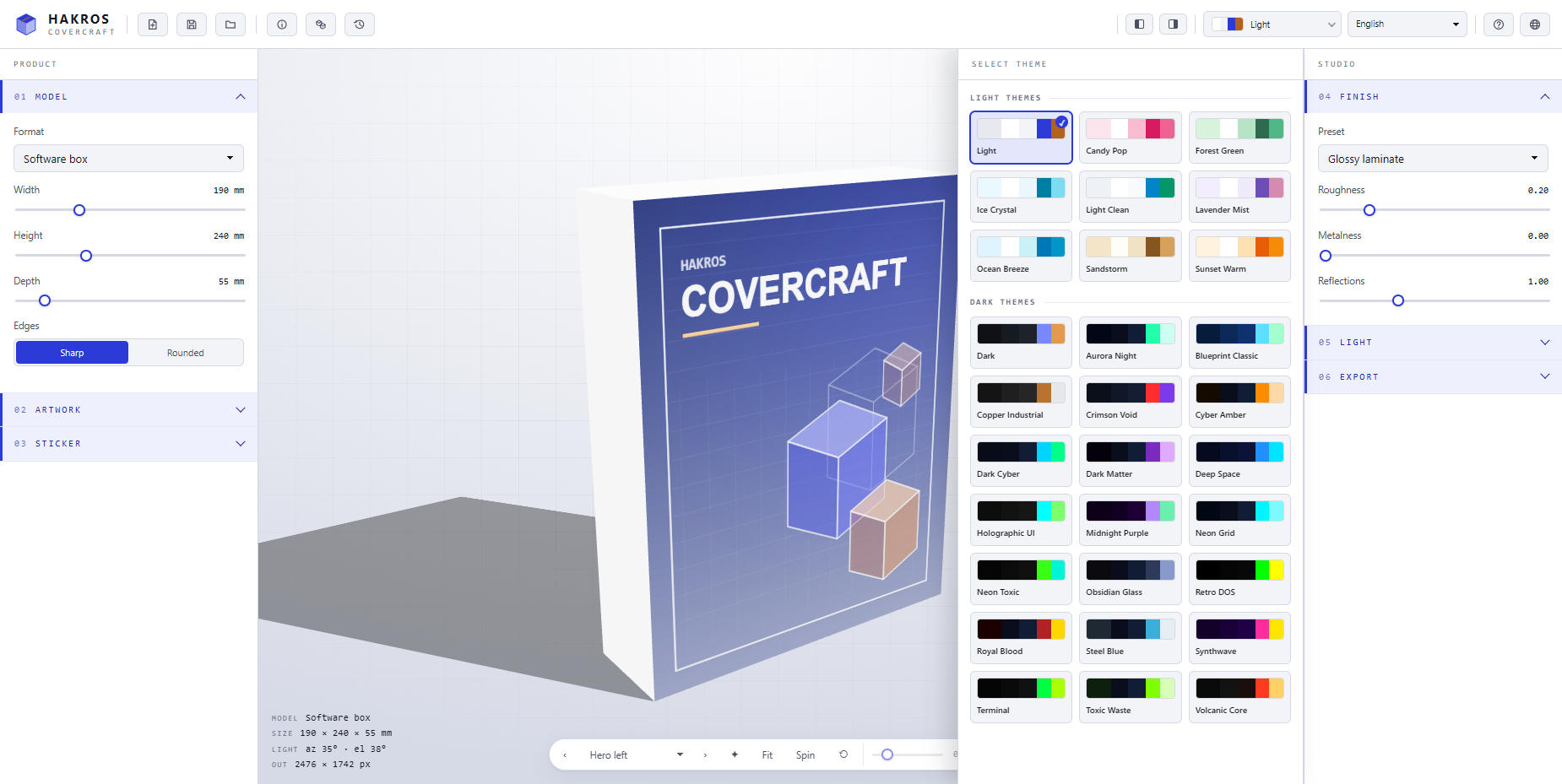
The application includes multiple interface themes and presentation styles so that the workspace can adapt to different preferences and working conditions.
Theme support is useful for users who prefer:
- Light interfaces
- Dark interfaces
- Higher contrast
- Different visual accents
The selected theme changes the appearance of the application without affecting the project itself.
Multilingual Interface
COVERCRAFT includes support for multiple languages.
This allows users to work with the application interface in their preferred language while keeping the same project workflow and functionality.
Language support is integrated locally into the application, making it suitable for both desktop and web-based use.
Local Desktop Version
The desktop edition is designed to run as a standalone application.
It provides a focused local workflow without requiring the design process itself to depend on a browser tab.
This version is suitable for users who prefer:
- A dedicated desktop application
- Local project work
- Direct access to files
- A distraction-free workspace
- A traditional installed-software experience
Online Version
An online edition is also available for authorized users.
The web version provides access to the application through a modern browser while keeping the same core COVERCRAFT workflow.
Access to the online edition may require an authorized user account.
After purchasing HAKROS COVERCRAFT, you can request access to the web version by leaving a comment on the product's store page. If you need additional help with access or account activation, you can also use the store page comments to contact us for assistance.
https://covercraft.hakros.com/
Project-Oriented Workflow
COVERCRAFT is intended for iterative work.
You can progressively refine a design instead of having to complete everything in a single session.
A typical project may evolve through several stages:
- Initial visual direction
- Artwork placement
- Typography and branding
- Layout refinement
- 3D preview
- Presentation adjustments
- Final export
The application is designed to support that progression without forcing a rigid workflow.
Fast Concept Development
COVERCRAFT is also useful before a final product design exists.
You can use it to quickly explore concepts such as:
- Alternative cover styles
- Different logos
- Different artwork
- Color variations
- Branding directions
- Product editions
- Promotional concepts
This makes it useful not only for final production, but also for early-stage visual planning.
Consistent Product Presentation
When several products belong to the same series, brand, or collection, COVERCRAFT can help maintain a consistent presentation.
For example, you can reuse a common visual language across:
- Product families
- Software editions
- Game series
- Expansion packs
- Special editions
- Internal project concepts
This can make a group of products feel visually related while still allowing each one to retain its own identity.
Designed for Creators
COVERCRAFT can be useful for:
- Independent developers
- Game creators
- Software developers
- Graphic designers
- Content creators
- Digital artists
- Marketing teams
- Small studios
- Hobbyists
- Product designers
It is especially useful when you need attractive packaging-style visuals but do not want to build the full presentation workflow manually in several separate applications.
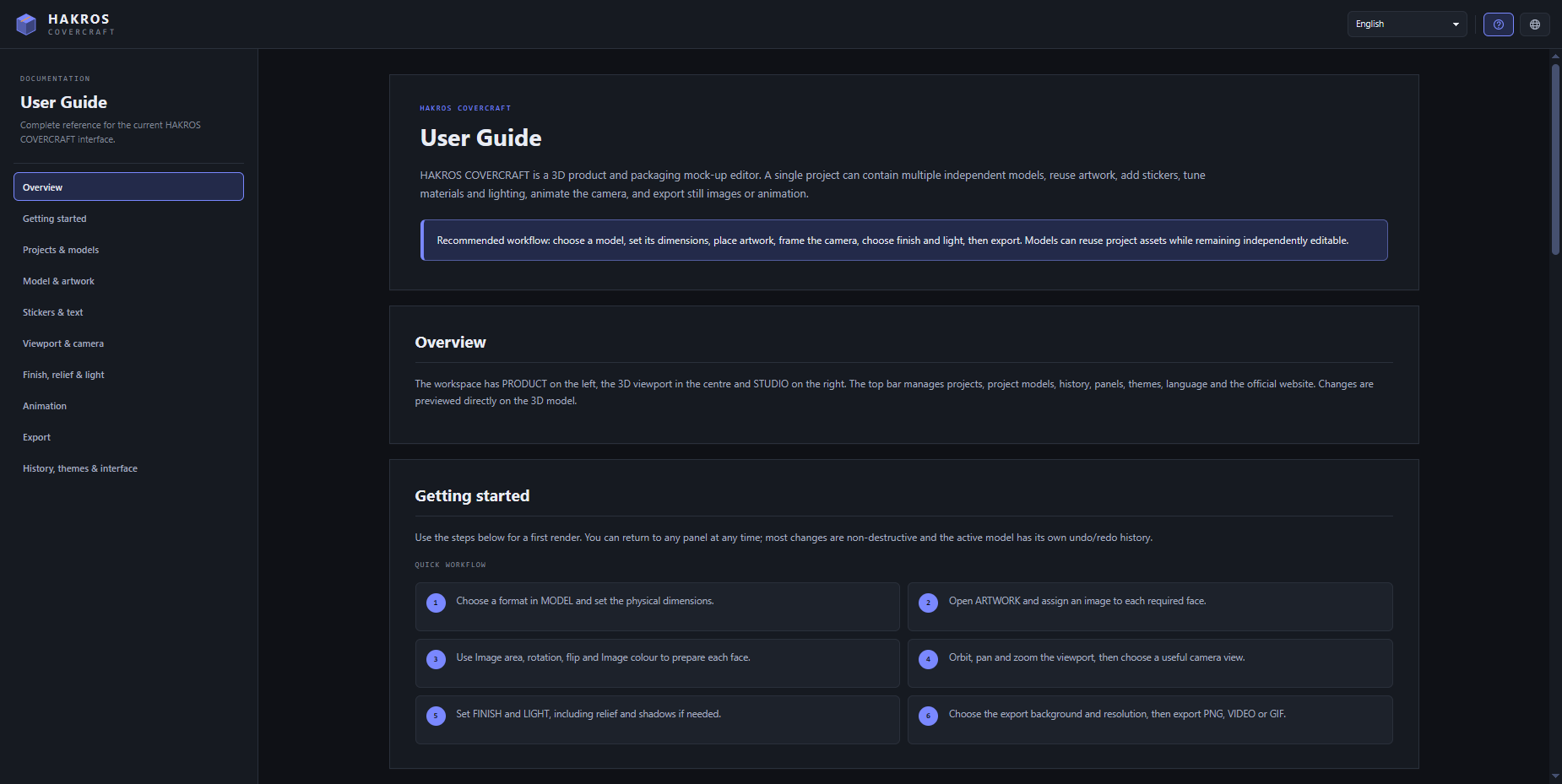
Built-In Help
Detailed instructions are included directly inside COVERCRAFT.
The integrated help system explains the controls and working process from within the application, so this store guide focuses only on what the software is capable of rather than duplicating the full manual.
Key Features at a Glance
- Visual cover and packaging design
- Front, back, and spine composition
- Custom image and artwork support
- Real-time editing
- 3D box preview
- Product-style presentation rendering
- Typography and branding tools
- Flexible layouts
- Multiple interface themes
- Multilingual interface
- Desktop and online editions
- Localized application resources
- Project-based workflow
- Fast design iteration
- Promotional image creation
- Suitable for both concepts and finished presentations
Intended Use
HAKROS COVERCRAFT is a design and presentation tool.
It does not replace a full professional image-editing suite for advanced illustration or photographic retouching. Instead, it focuses on the specific task of assembling, previewing, and presenting polished packaging and cover designs efficiently.
For many workflows, artwork can be prepared in another graphics application and then brought into COVERCRAFT for composition, packaging, and presentation.
HAKROS INTERACTIVE
HAKROS COVERCRAFT is developed and published by HAKROS INTERACTIVE.
© HAKROS INTERACTIVE. All rights reserved.
Purchase
In order to download this tool you must purchase it at or above the minimum price of $5 USD. You will get access to the following files:
Development log
- Release 1.447 days ago
Comments
Log in with itch.io to leave a comment.
interesting!!
Thanks :-D !