
Hakros PolyObject Editor
A downloadable tool for Windows
Hi everyone.
Hakros PolyObject Editor is a Windows desktop tool that forges working polyobject doors into Doom maps saved in UDMF format. You mark a gap sector in your map (the hole the door should fill), pick how it should move, and the editor builds the whole polyobject closet for you, the one-sided void, the start line, the anchor and spawn things, the movement special and the activation, without hand-editing linedef arguments in Ultimate Doom Builder.
The tool reads a .wad file, finds its UDMF map, lets you choose the door gap by its Tag, previews the result from a top-down view, warns you about the common mistakes, and then writes a complete, ready-to-run polyobject. It always saves a timestamped backup of the original .wad before writing any change.

Discord Community
https://www.hakros.com/discord/
This software requires .NET Core 8.0, you can find it here
https://dotnet.microsoft.com/en-us/download/dotnet/8.0
How it works ?
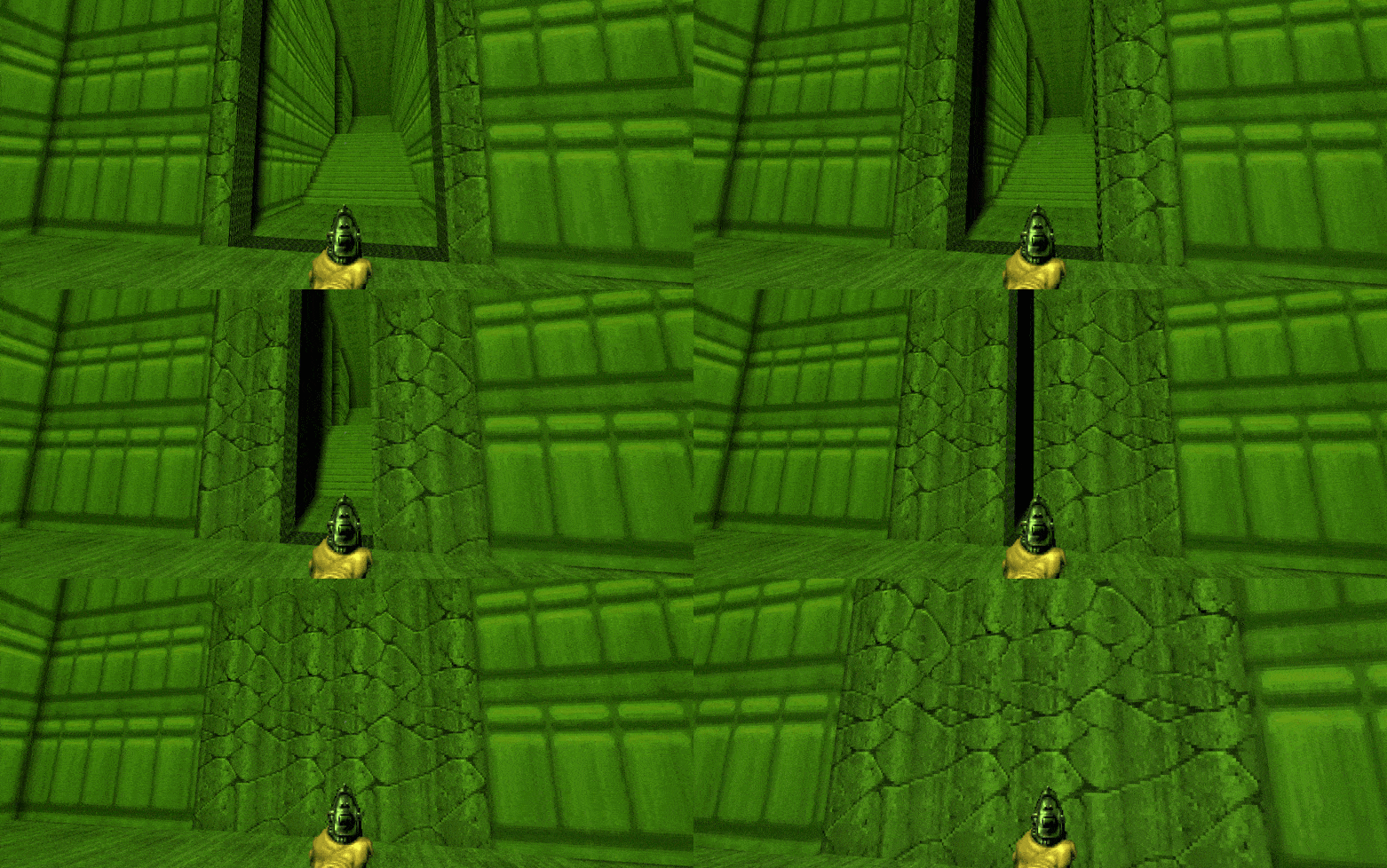
- Opens any WAD and lists every UDMF map it contains.
- Resolves the door gap by the Tag you see in Ultimate Doom Builder; you can also right-click a sector in the preview to select it.
- Builds single doors or double doors (two leaves that mirror each other from one trigger).
- Supports five movements: Slide, Swing, Rotate right, Rotate left and Spin (continuous).
- Lets the door auto-close (with an adjustable delay) or stay open.
- Picks the activation: player/monster use, bump (push), projectile impact, or walk-over (cross).
- Drives the door from its own faces or from a separate tagged line you cross.
- Shows a live top-down preview with the movement direction, the hinge and the swing/spin arc.
- Runs live warnings (size mismatch, slide overlap, non-adjacent double leaves, walk-over needing a trigger line, duplicate polyobject number).
- Bakes a custom door sound into a ready-to-use
.pk3(SNDINFO + SNDSEQ) next to your WAD. - Saves the map back into the
.wad, after creating a timestamped backup. - Switches theme (Dark / Light) and language (English / Español) at runtime.
Concepts you need to know
What a polyobject is
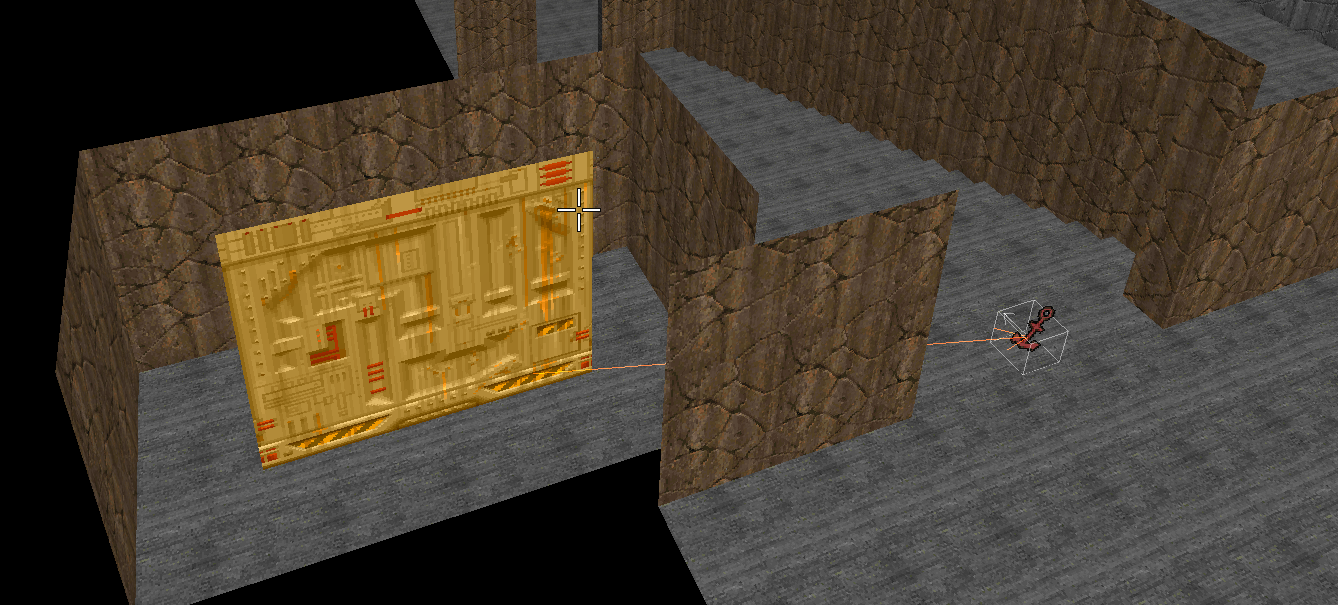
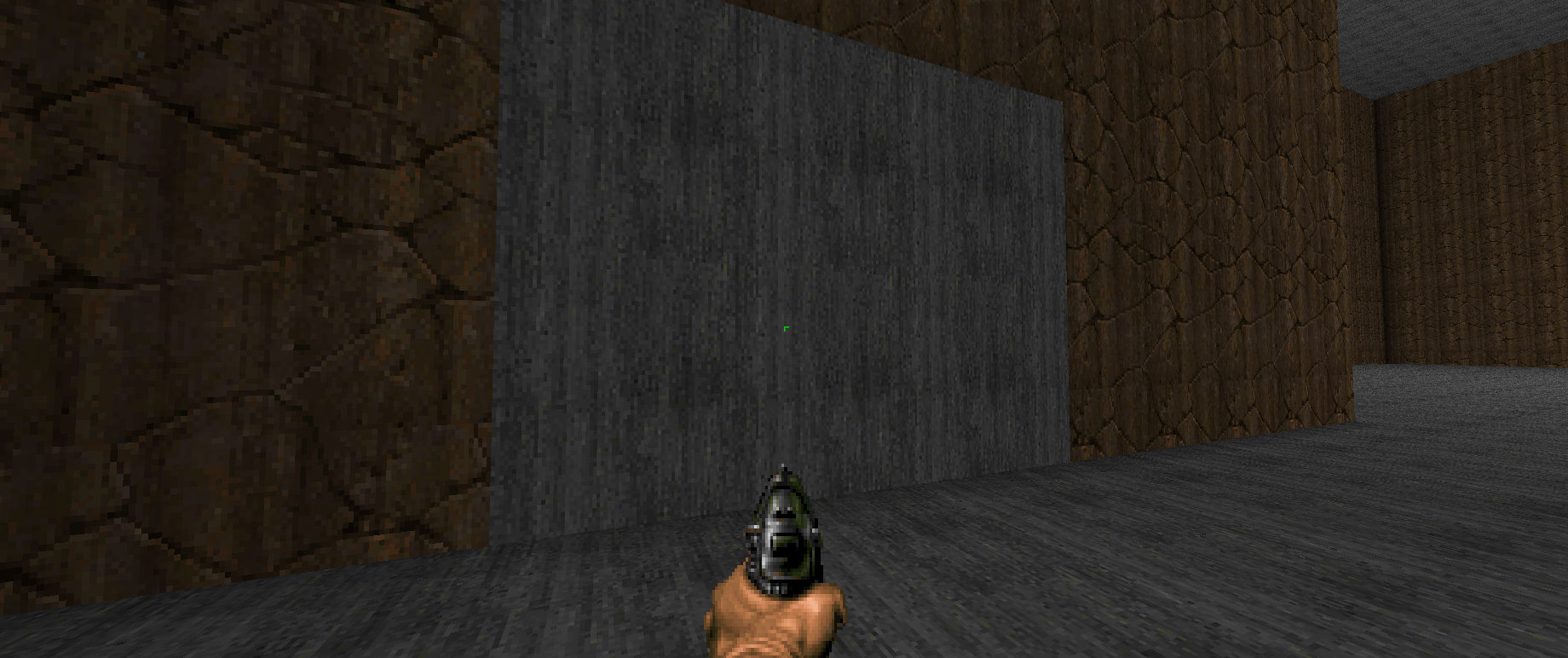
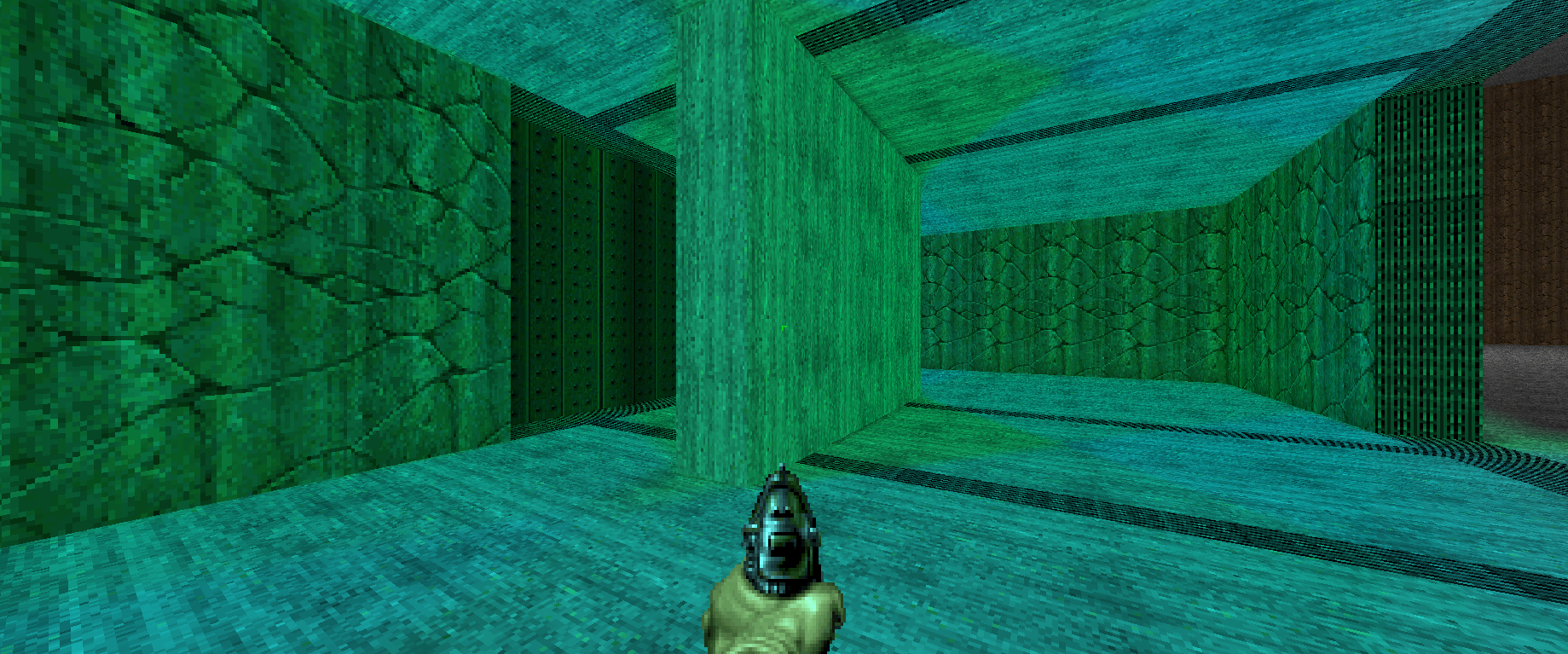
A polyobject is a small cluster of one-sided linedefs that the engine can move and rotate as one rigid piece while the rest of the level stays still. It is a Hexen-era addition to the Doom engine (originally written by Ben Gokey at Raven Software) that gave mappers sliding and swinging doors, rotating machinery, horizontal crushers and pushable secret walls, motion the classic engine could not do on its own.
Why polyobjects live "off the map"
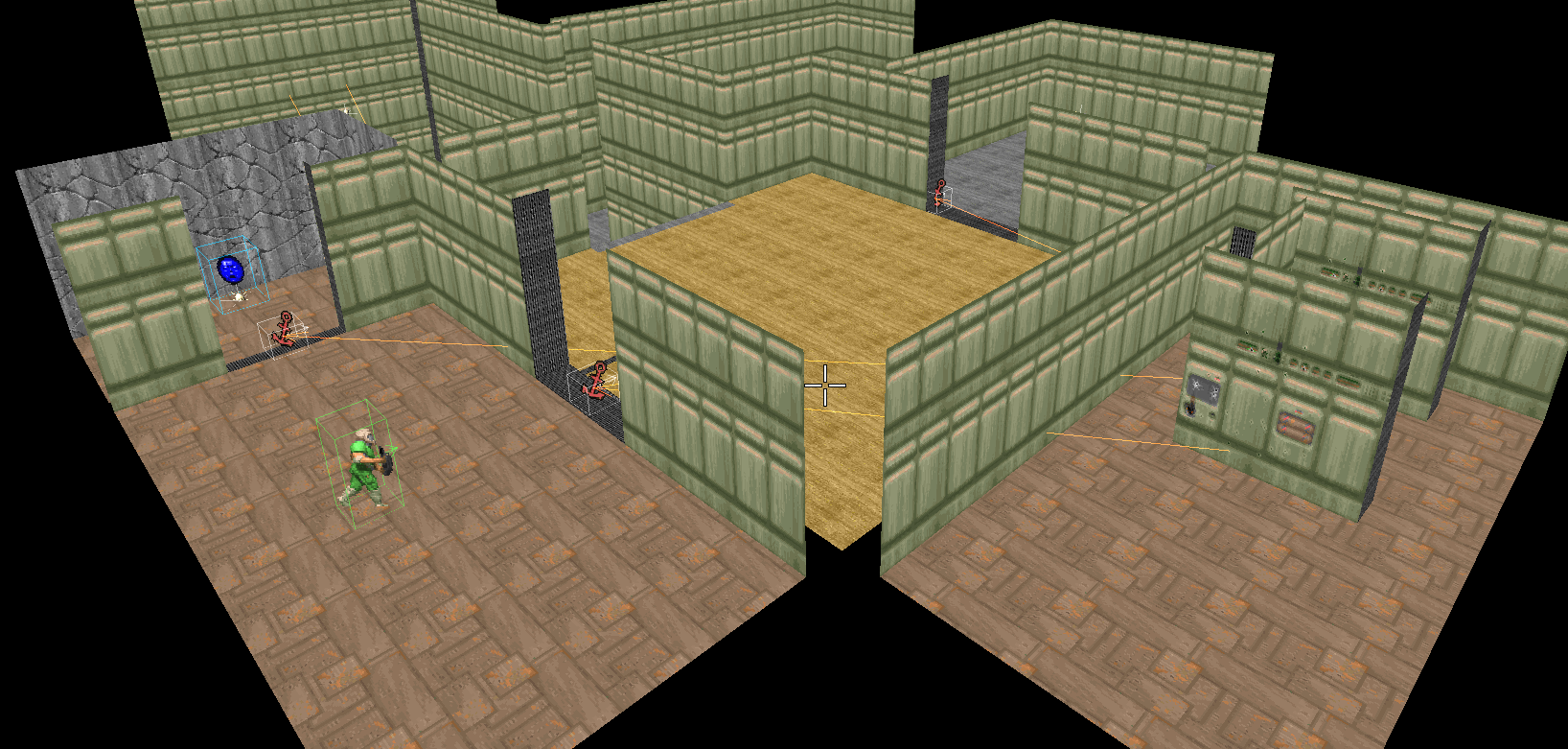
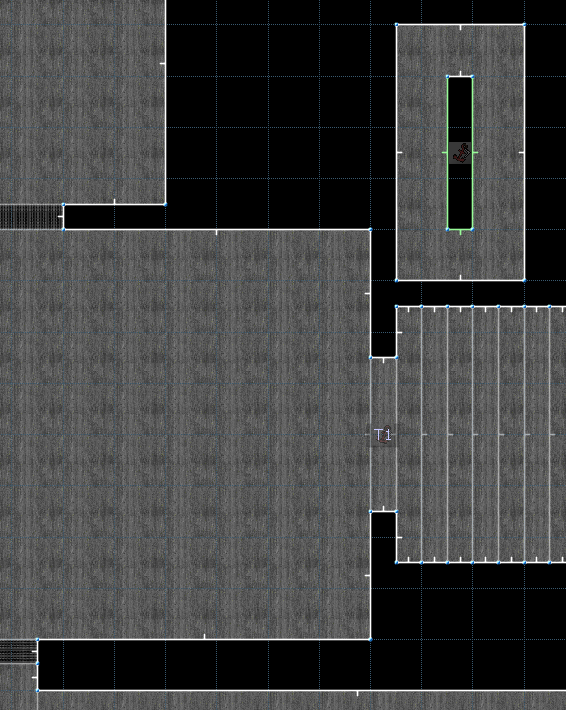
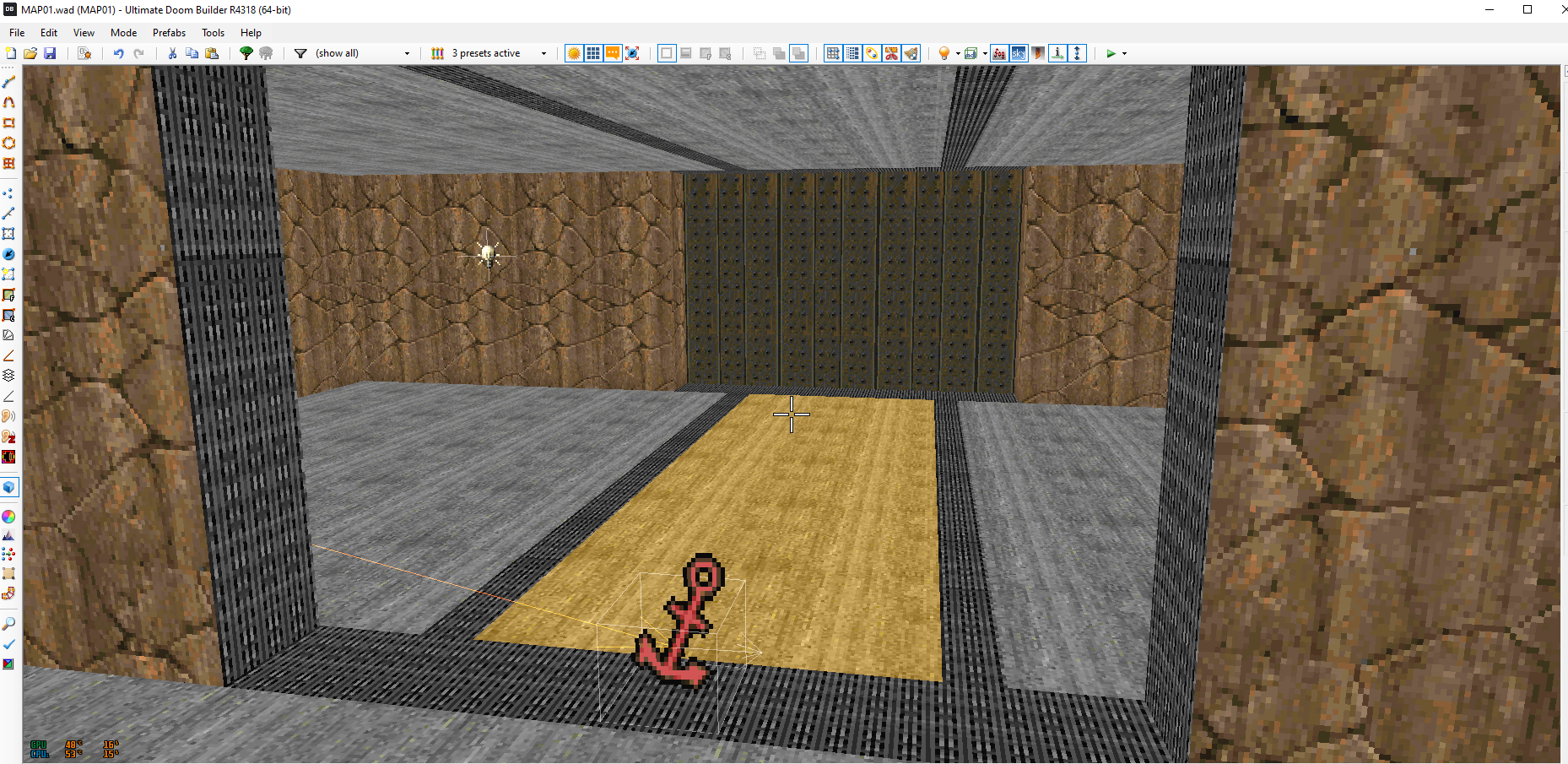
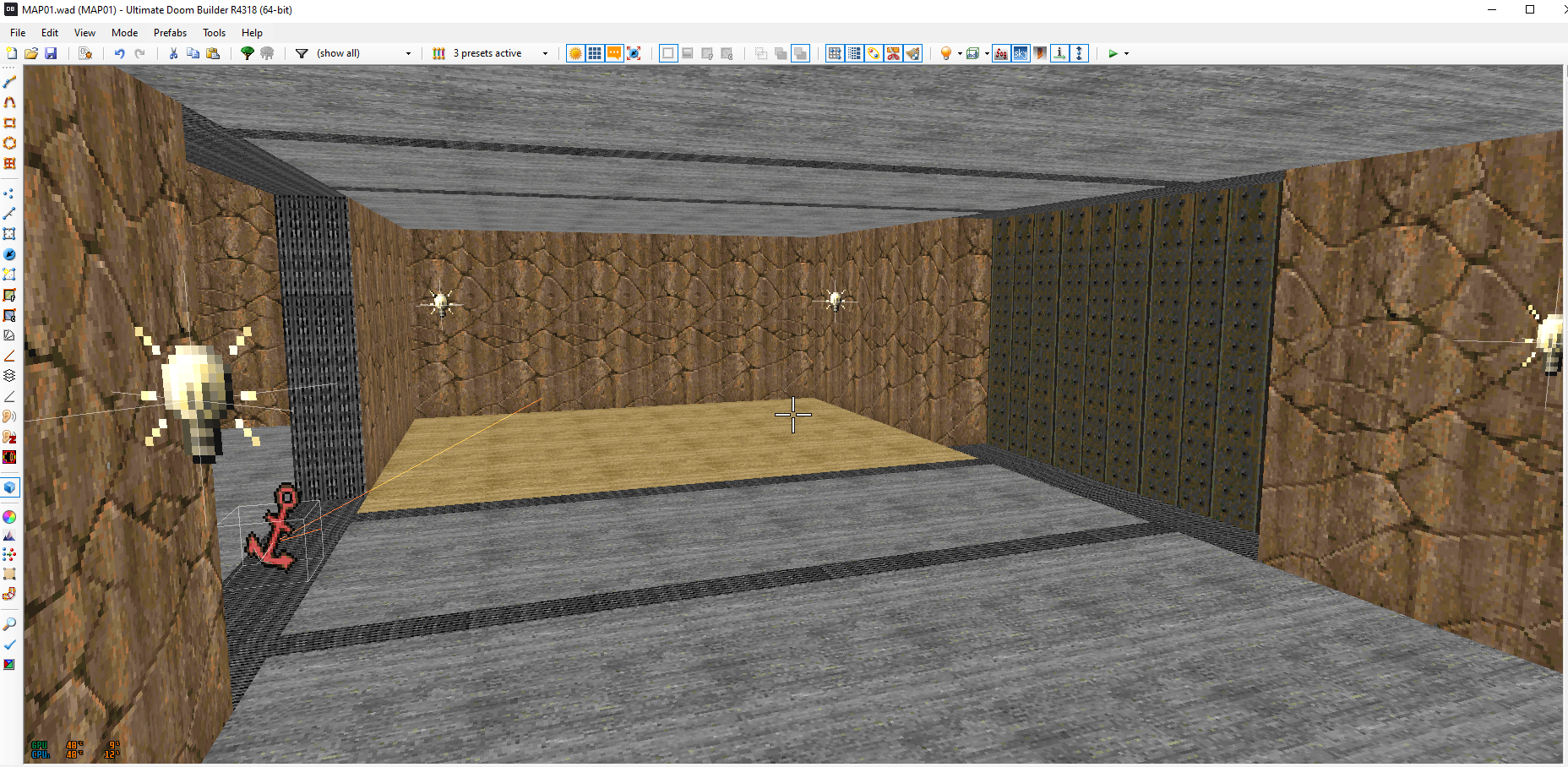
Doom renders through a precomputed BSP tree, which assumes the level geometry never moves. Polyobjects work around that by following a few rules: a polyobject must stay convex, must fit inside a single subsector, and must never overlap static geometry or another polyobject. To respect those rules, the moving piece is built in an empty pocket beyond the playable area (a "closet") and then teleported into place at runtime. The editor does this for you automatically.
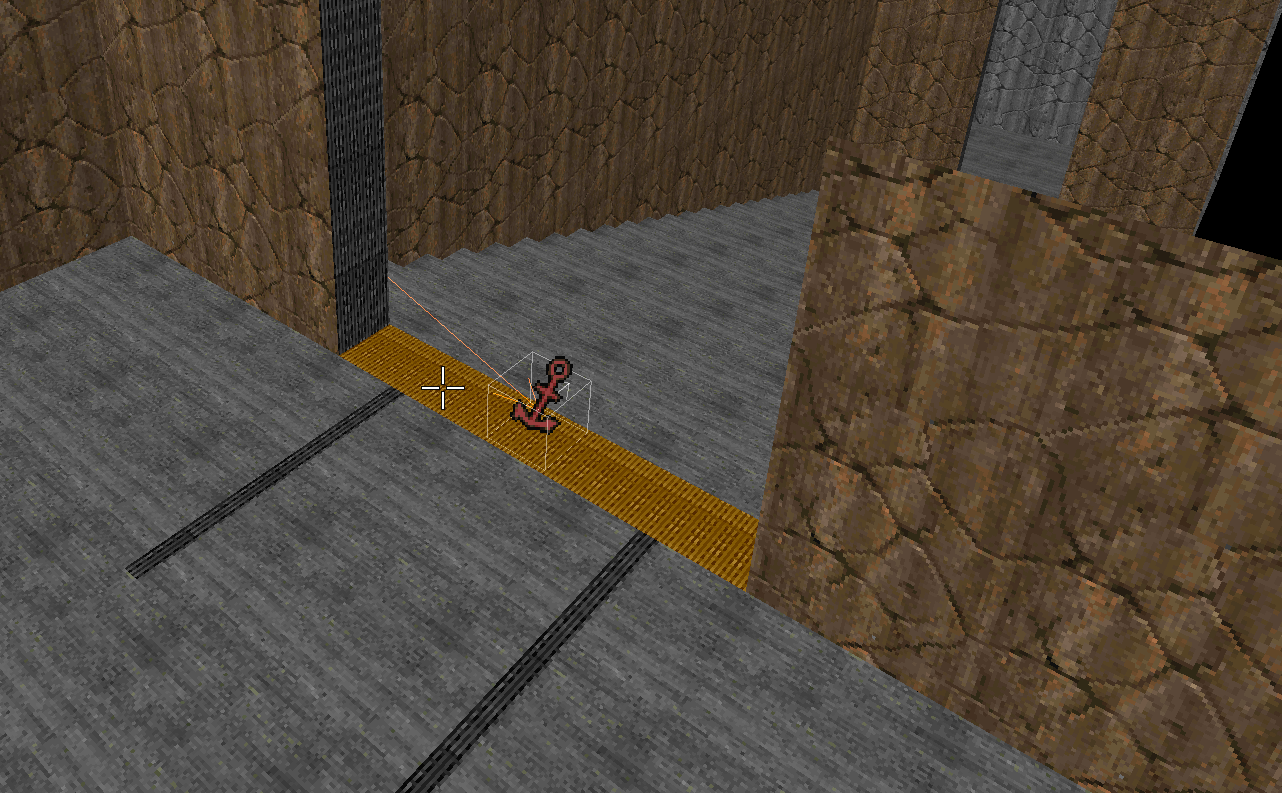
Anchor and spawn spot
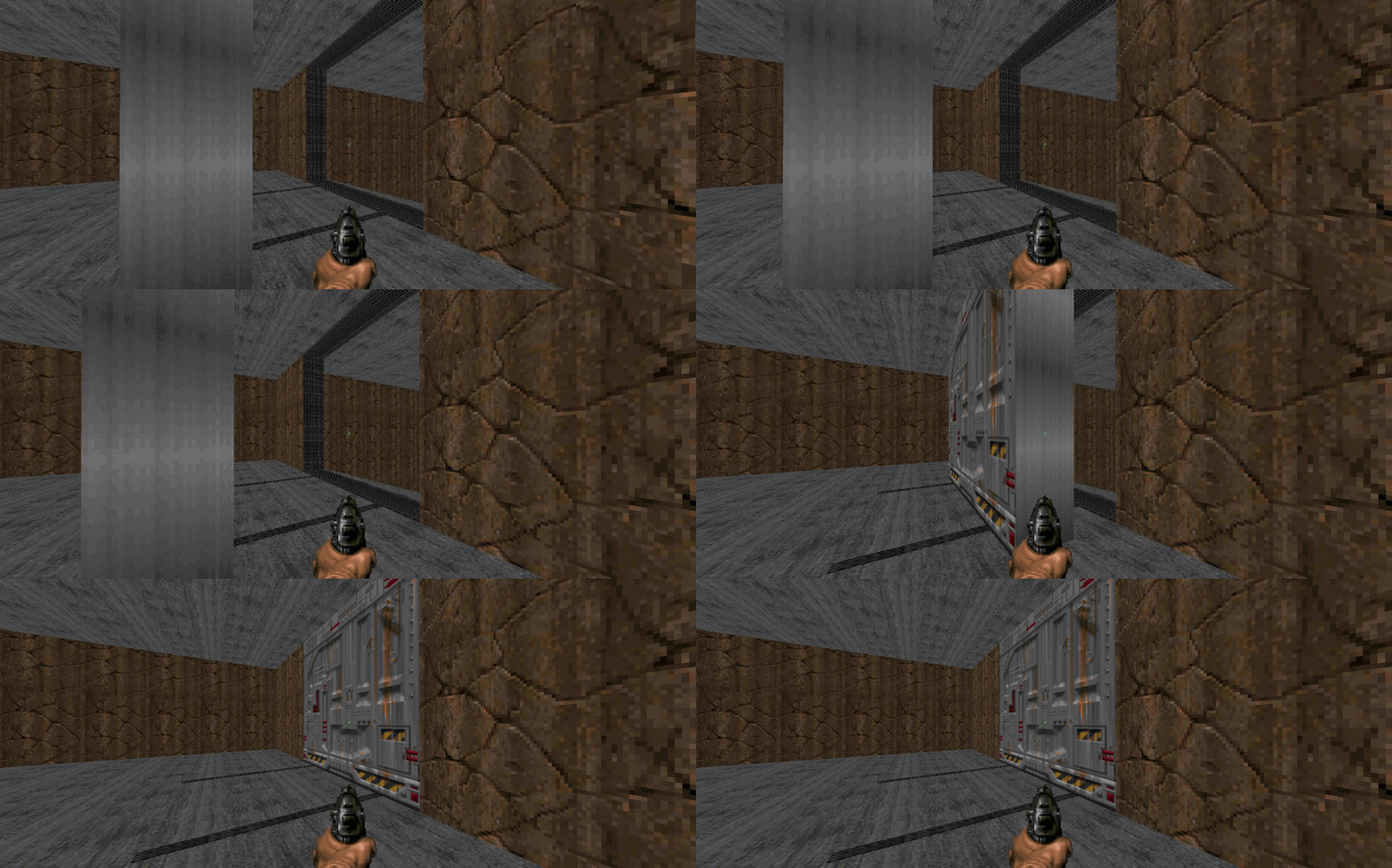
Two special things tell the engine where the polyobject is and where it should appear:
- the anchor point is placed next to the lines that make up the object, in the closet;
- the spawn spot marks the runtime position in your map.
At load time the engine slides the whole object so the anchor lands on the spawn spot, keeping every linedef in the same relative position. The matching number that ties the lines, the anchor and the spawn spot together is stored in their angle field (a quirk inherited from Hexen).
Start line
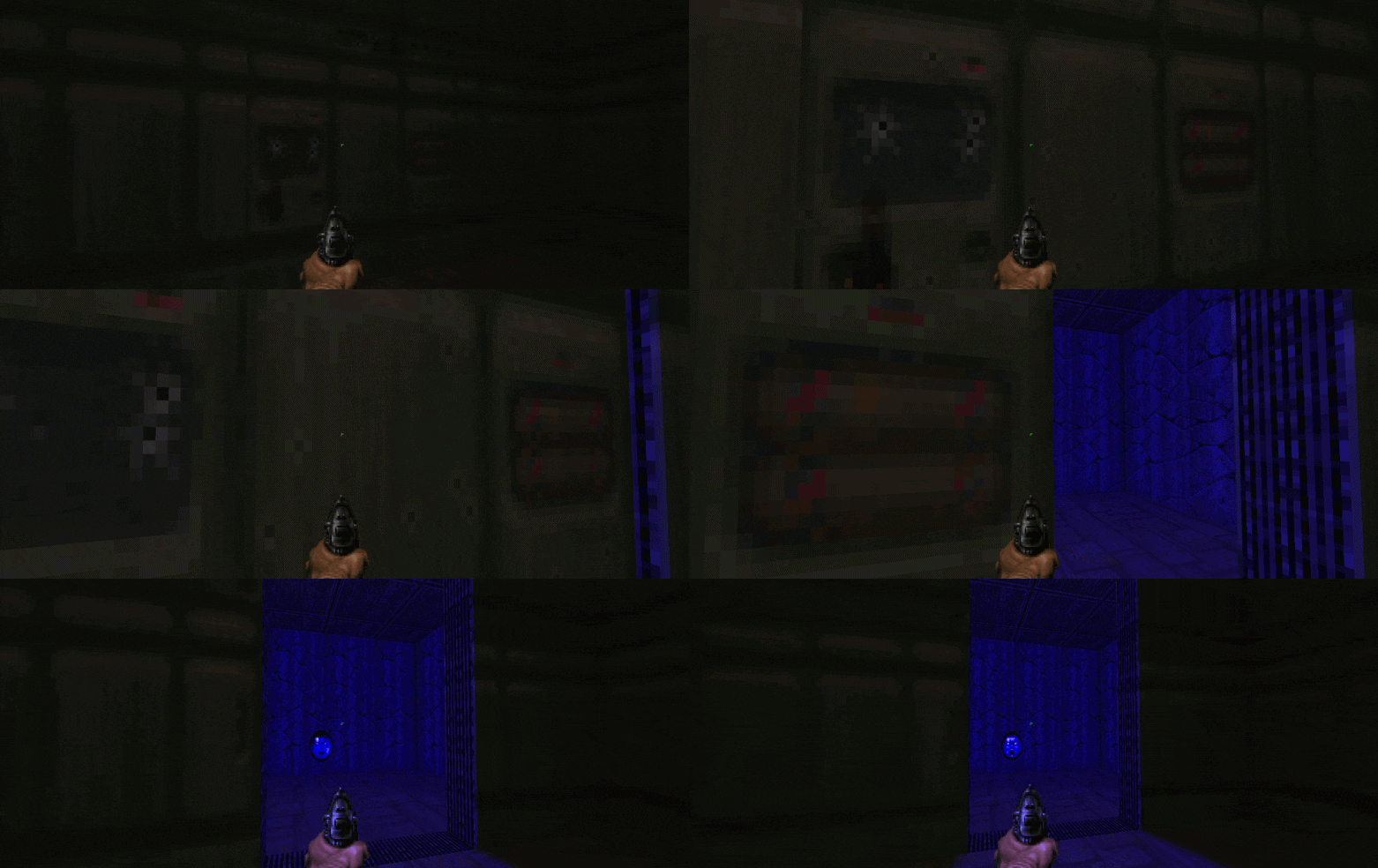
One edge of the polyobject carries Polyobj_StartLine, which identifies the group of lines as a single object and assigns its number and (for double doors) its mirror partner. The editor writes this line for you.
Map-format note: classic Hexen-format maps cap out at 256 polyobjects; UDMF/GZDoom is far more generous, but the byte-angle conventions for movement directions are inherited from that era (see below).
Tag
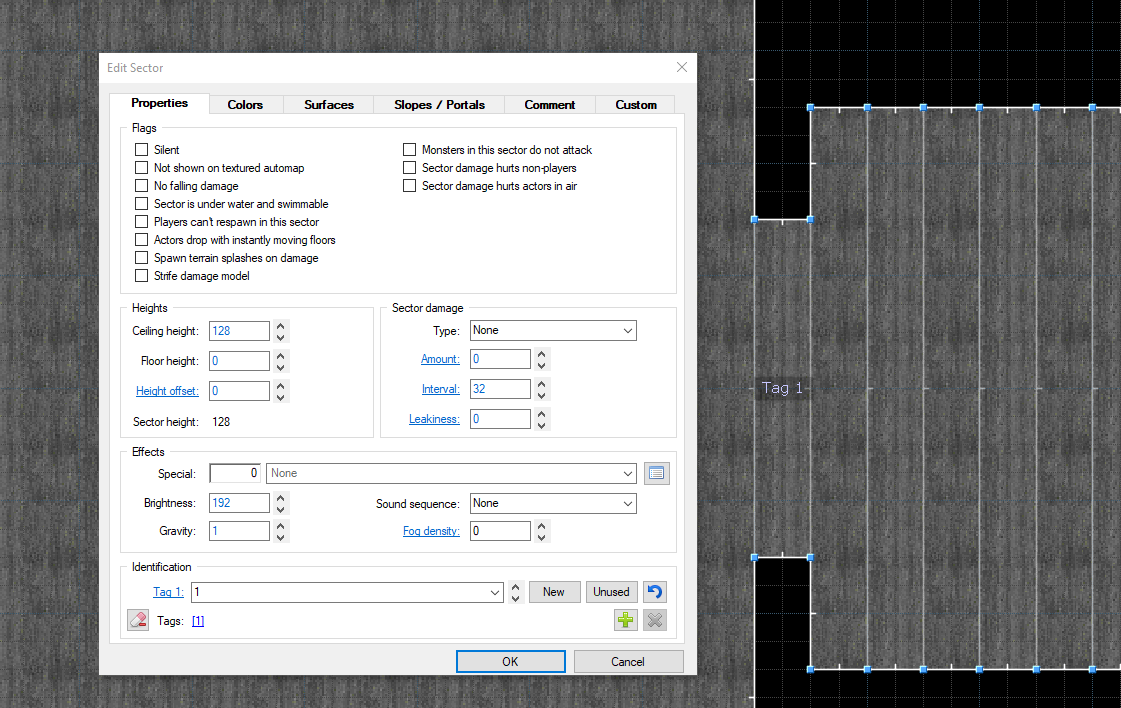
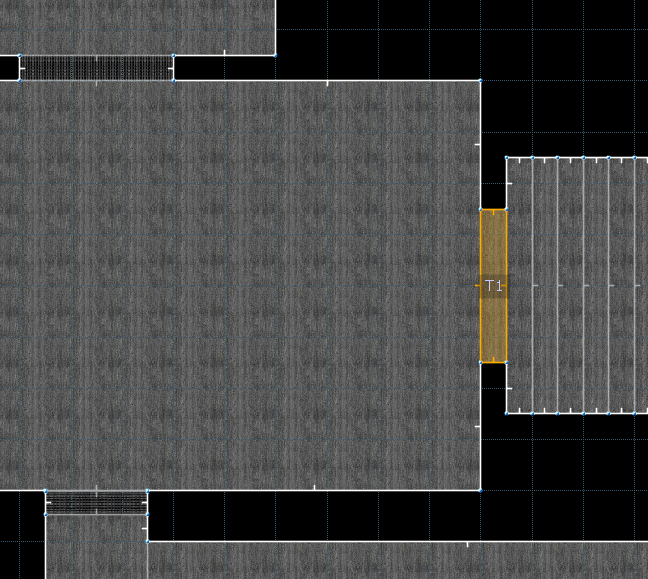
In Ultimate Doom Builder, sectors carry an identifier (the UDMF id/Tag). The editor finds the door gap by its Tag, the number floating on the sector in UDB. If a gap is split into two leaves for a double door, each leaf has its own Tag.
----
The interface
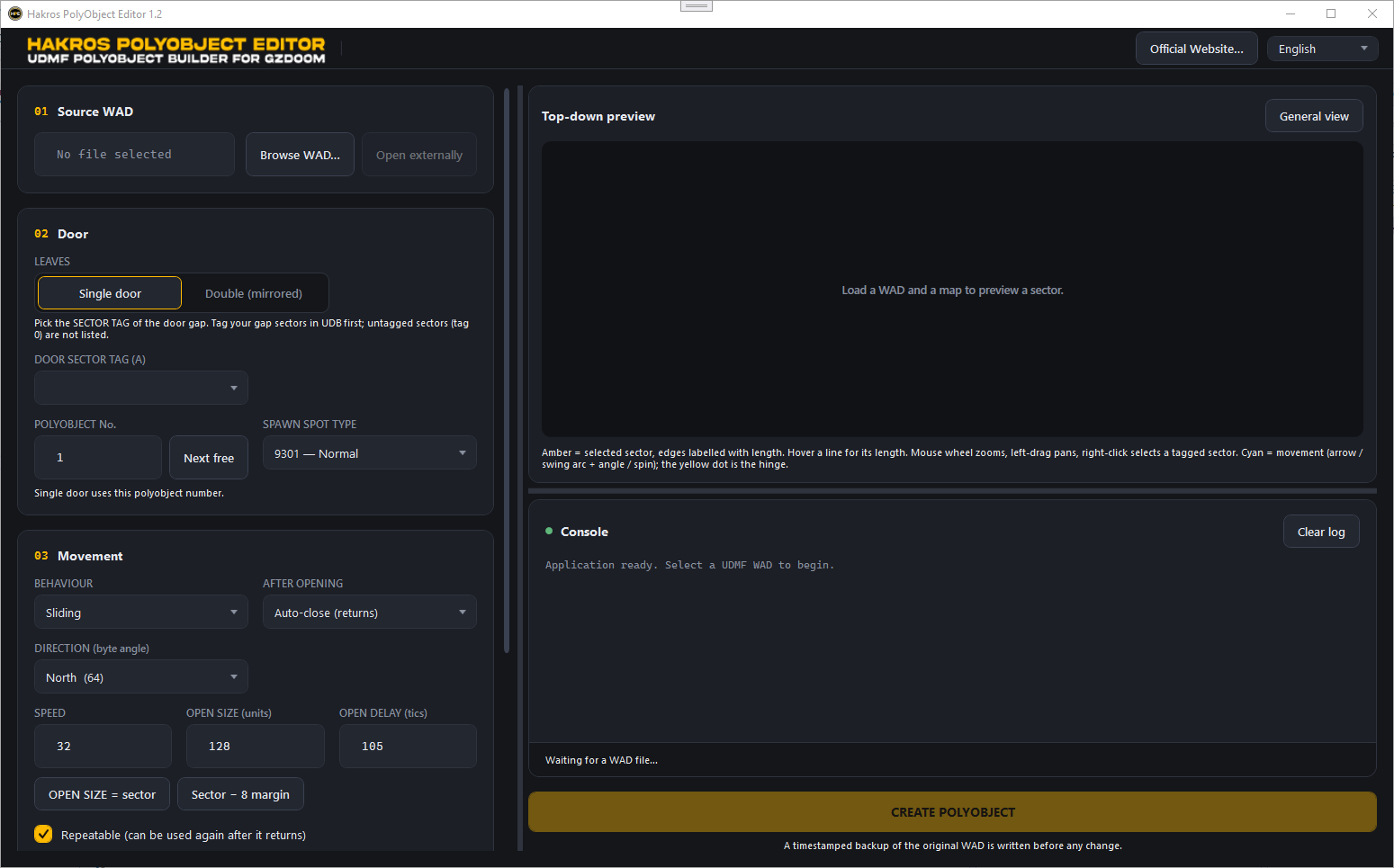
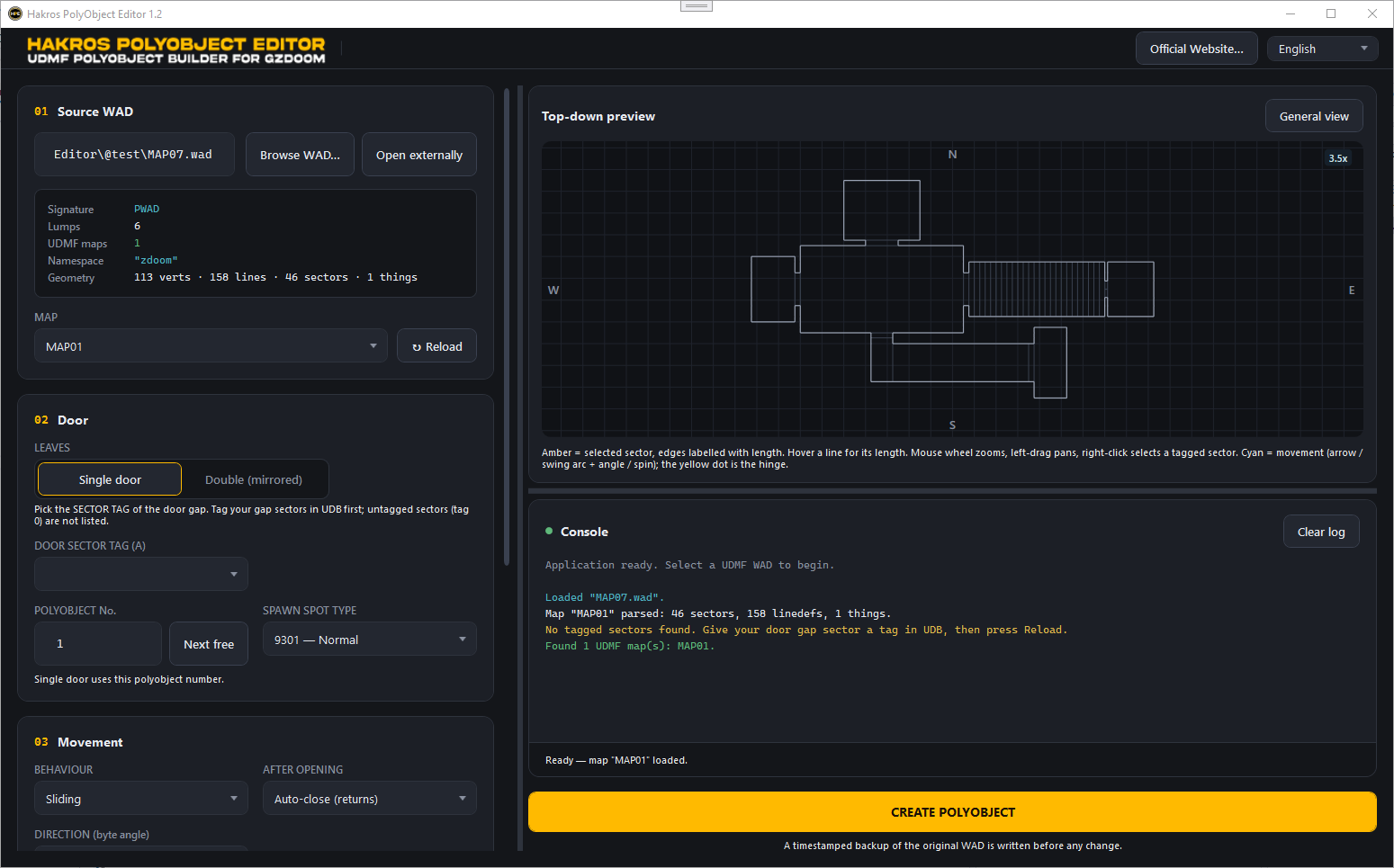
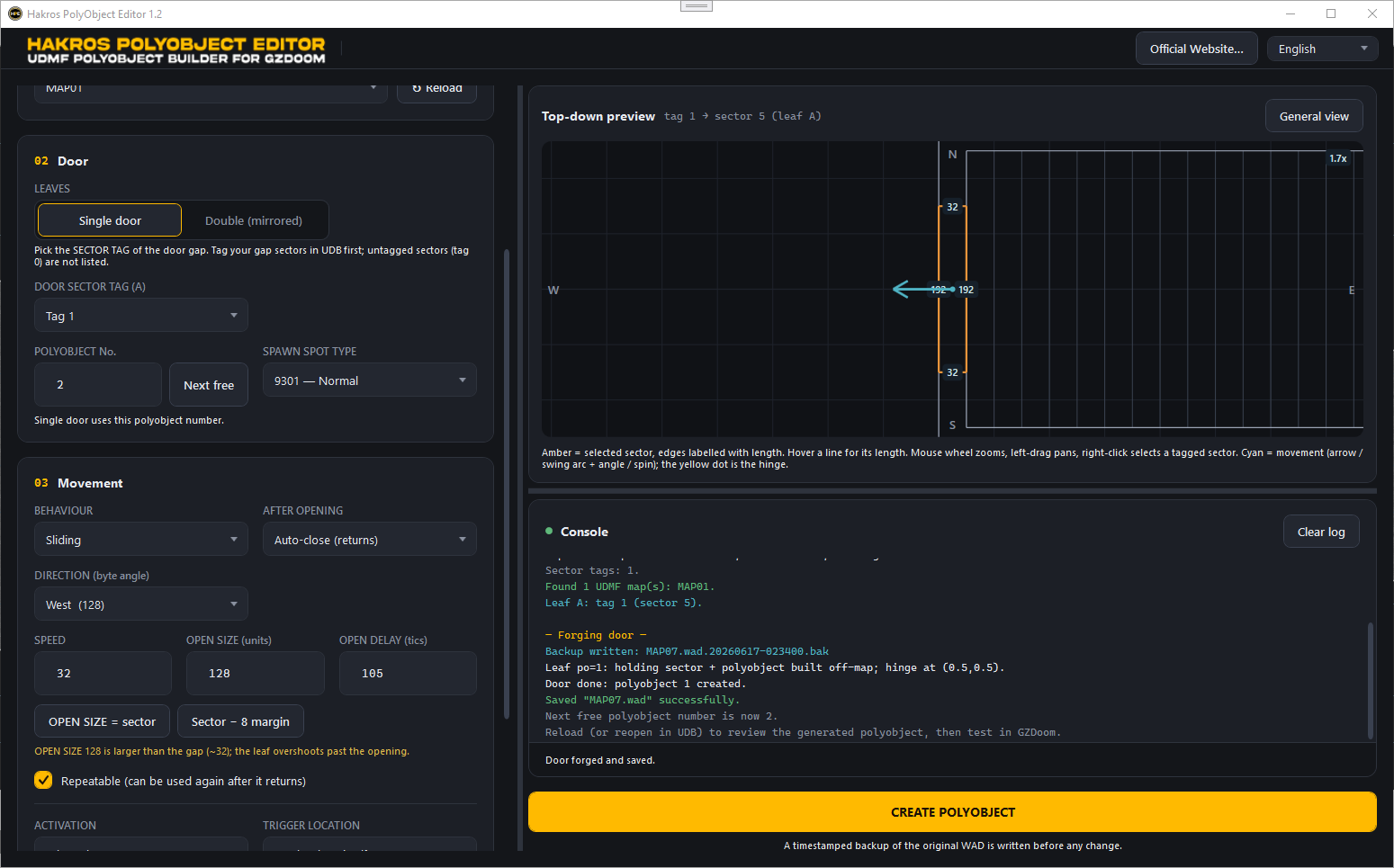
The window is split into a configuration column on the left, a top-down preview and an activity console on the right, and a footer with the main action button. Theme and language selectors sit in the top-right corner.
1 · Source WAD
Pick the .wad you want to edit with Browse…. The tool validates the file and reports how many UDMF maps it found. Choose the target map from the dropdown; the readout shows the namespace and the vertex / linedef / sector / thing counts. Open externally hands the file to your system's default app.
2 · Door
- Single / Double — one leaf, or two leaves that mirror each other.
- Sector A (and Sector B for a double) — the Tag of the gap each leaf should fill. You can also right-click the sector in the preview.
- PolyObj number — the identifier for this door. Next free fills the lowest unused number.
- Spawn type — Normal, Crushing or Hurts (a leaf that damages whatever blocks it).
3 · Movement
- Behaviour — Sliding, Swinging, Rotate right, Rotate left or Rotating (spin).
- After opening — Auto-close (then waits the delay and returns) or Stay open.
- Direction (slide) — the compass direction the leaf travels, as a byte angle.
- Hinge (swing / rotate) — the pivot the leaf turns around (centre, a corner or an edge of the gap).
- Speed, Open size / angle, Open delay.
- Angle in degrees (0–360°) — type the swing/rotate angle in degrees and let the tool convert it to a byte angle.
- Swing clockwise / right — swings the leaf the other way (stays open; see notes).
- Full size / Size minus margin — quick buttons that measure the gap and fill the slide distance.
- Repeatable, Activation, Trigger location (the door itself or a separate tagged line).
A short help line explains how the hinge and angle work together for swing and rotate.
4 · Sound
- Sound sequence — the numeric SNDSEQ slot the door plays.
- Choose sound file… / Make PK3 — pick a
.wav,.ogg,.flac,.mp3or.opusand the tool bakes a.pk3next to your WAD that maps your file to the door's sound slot.
Preview
A live top-down view of the chosen gap: edges labelled with their length, the movement direction arrow (slide), the swing/rotation arc with its angle, and the yellow hinge dot. Mouse-wheel zooms, left-drag pans, right-click selects a tagged sector. General view shows the whole map.
Console
Every action, check result and error is timestamped and colour-coded (info / success / warning / error). Use Clear log to reset it.
Footer
Official Website… opens the project page; Forge door & save WAD builds the door and writes the file. The note reminds you that a backup is made automatically first
----
Step-by-step: forging a door
- Prepare the geometry in UDB. Carve the opening where the door belongs and make it its own sector (the "gap"). Give that sector a Tag. For a double door, split the opening into two sectors and tag each. Save the map as UDMF.
- Open the WAD. Launch Hakros PolyObject Editor, click Browse…, select your
.wad, and pick the map. - Pick the gap. Choose Single or Double, then select the gap Tag(s), by dropdown, or by right-clicking the sector in the preview.
- Set the polyobject. Leave the PolyObj number on the suggested free value, choose a spawn type, and (optionally) a sound sequence.
- Choose the movement. Pick a behaviour and its options (direction or hinge, speed, open size or angle, delay). Watch the preview update.
- Choose activation. Decide who opens it and whether it triggers from the door itself or a separate crossed line.
- (Optional) Bake a sound. Pick a sound file and click Make PK3.
- Read the warnings. Resolve anything flagged in the console (see below).
- Forge. Click Forge door & save WAD and confirm. The tool backs up the original, builds the polyobject closet, and saves the WAD.
- Test in GZDoom. Load the map (plus the
.pk3if you made one) and try the door.
Live checks explained
- Open-size mismatch — for a sliding door, the open distance is compared against the measured gap; a value that is too small leaves the door ajar, too large overshoots the opening.
- Slide overlap — warns when a leaf slides toward a neighbour that is the same width or narrower, so the moving leaf would clip into it.
- Double-leaf adjacency — a double door normally meets in the middle; the tool tells you when the two leaves do not share an edge.
- Walk-over needs a line — walk-over (cross) activations only fire on a line you actually cross, so the tool warns you to set Trigger location to a separate tagged line.
- Number already used — refuses to reuse a polyobject number, since a duplicate makes one door pick the wrong position.
None of these block creation except a duplicate number; the rest are advisory.
Movement reference
| Behaviour | After opening | Line special used | Direction | Notes |
|---|---|---|---|---|
| Slide | Auto-close | Polyobj_DoorSlide (8)
| byte angle | Opens, waits, returns |
| Slide | Stay open | Polyobj_Move (4)
| byte angle | Opens once |
| Swing (left) | Auto-close | Polyobj_DoorSwing (7)
| CCW | Opens, waits, returns |
| Swing (left) | Stay open | Polyobj_RotateLeft (2)
| CCW | Turns by the angle and stays |
| Swing (right) | Stay open | Polyobj_RotateRight (3)
| CW | A clockwise swing can't auto-close |
| Rotate right | — | Polyobj_RotateRight (3)
| CW | Turns by the angle; 255 = continuous |
| Rotate left | — | Polyobj_RotateLeft (2)
| CCW | Turns by the angle; 255 = continuous |
| Rotating (spin) | — | Polyobj_RotateRight (3)
| CW | Never stops (angle 255) |
Movement directions use byte angles (0 = East, 64 = North, 128 = West, 192 = South). Swing/rotate angles are also byte angles where 64 ≈ 90°, 128 ≈ 180° and 255 ≈ a full turn; the Angle in degrees option lets you type 0–360° and converts for you.
Activation reference
| Activation | UDMF flag | When it fires |
|---|---|---|
| Player use | playeruse
| The player presses use on the door |
| Player bump | playerpush
| The player walks into the door |
| Monster use | monsteruse
| A monster presses use |
| Monster bump | monsterpush
| A monster walks into the door |
| Projectile impact | impact
| A projectile hits the door |
| Player walk-over | playercross
| The player crosses a trigger line |
| Monster walk-over | monstercross
| A monster crosses a trigger line |
Walk-over activations require a separate trigger line you cross — they do nothing on the door's own faces. Repeatable adds repeatspecial so the door can be used again after it returns.
Custom door sound (PK3)
The Make PK3 button turns any sound file into a drop-in mod next to your WAD. It packs:
- your audio under
sounds/, - a
SNDINFOentry that names the sound, - a
SNDSEQblock that assigns it to the numeric door slot you chose in Sound sequence.
Run the game with both files, e.g.:
gzdoom -file yourmap.wad yourmap_seqN.pk3
and the door plays your sound. The slot number in the PK3 must match the Sound sequence value on the door.
How the door is built (technical notes)
For each leaf, the editor works in an empty area beyond the current map bounds and writes:
- a holding sector (the closet), with floor/ceiling heights and textures copied from the gap;
- the polyobject itself, a one-sided void rectangle the size of the gap;
- Polyobj_StartLine (special
1) on one edge —arg0= polyobject number,arg1= mirror partner,arg2= sound slot; - the movement special on the faces that meet your existing rooms (detected from the real map geometry, so deep doors get their interaction lines on the correct sides);
- an anchor thing (type
9300) in the closet and a spawn spot (9301normal /9302crushing /9303hurts) in the map, both tied to the polyobject number through their angle field.
Double doors are linked through the StartLine mirror argument, so a single activation drives both leaves in opposite directions. The hinge you pick places the spawn spot (the rotation centre) at that point of the gap.
The WAD is parsed in memory (12-byte header, 16-byte directory entries), the UDMF TEXTMAP lump is edited while preserving element order so existing index-based references stay valid, and the file is rebuilt with a recomputed directory on save.
Language
Use the Language dropdown in the top-right to switch between English and Español. The entire interface updates instantly, and new log messages appear in the selected language.
English is the default. Available languages: ENGLISH and SPANISH
Backups and safety
Before any change is written to disk, the editor copies the original file to a timestamped backup:
<name>.wad.yyyyMMdd-HHmmss.bak
in the same folder as the original. If writing fails for any reason, the log points you to the backup that still holds the untouched original. If a configuration value is invalid, nothing on disk is modified.
Troubleshooting
| Symptom | Likely cause / fix |
|---|---|
| "No UDMF (TEXTMAP) map found." | The map is in classic binary format. Re-save it as UDMF in Ultimate Doom Builder. |
| "Could not find a sector with tag N…" | The gap has no such Tag. Give the sector a Tag in UDB, or pick the right one. |
| Door opens the wrong way / from the wrong face | Check the hinge and direction in the preview; the arc/arrow show the real motion. |
| Clockwise swing doesn't close | A right swing stays open by design (auto-closing it would need ACS); use left swing. |
| Leaf clips into the wall as it slides | Heed the slide-overlap warning, or slide toward a wider neighbour. |
| Walk-over door does nothing | Set Trigger location to a separate tagged line you actually cross. |
| "Polyobject number N is already used" | Click Next free to pick an unused number. |
| Custom sound doesn't play | Load the generated .pk3 alongside the WAD, and match the sound slot numbers.
|
----
I'll hope you like it.
Greetings.
----
SEO
Polyobject editor, Doom modding, UZDoom, GZDoom, ZDoom, UDMF, Ultimate Doom Builder, UDB, Doom map editor, Doom mapping, map creation, polyobject setup, moving geometry, rotating sectors, sliding doors, interactive map elements, linedef tools, sector editing, level design, classic Doom tools, Doom community, Doom level design, map scripting, PK3 workflow
----
END USER LICENSE AGREEMENT (EULA)
Permission is hereby granted, free of charge, to any person obtaining a copy of this software and associated documentation files (the "Software"), to deal in the Software without restriction, including without limitation the rights to use, copy, publish, distribute copies of the Software, and to permit persons to whom the Software is furnished to do so, subject to the following conditions
THE SOFTWARE IS PROVIDED "AS IS", WITHOUT WARRANTY OF ANY KIND, EXPRESS OR IMPLIED, INCLUDING BUT NOT LIMITED TO THE WARRANTIES OF MERCHANTABILITY, FITNESS FOR A PARTICULAR PURPOSE, AND NONINFRINGEMENT. THE SOFTWARE MAY BE DISTRIBUTED, BUT ONLY FREE OF CHARGE. COMMERCIAL USE, COPYING, OR DISTRIBUTION OF THE SOFTWARE IS NOT PERMITTED WITHOUT PRIOR WRITTEN CONSENT FROM THE AUTHORS.
YOU MAY NOT DECOMPILE, REVERSE ENGINEER, DISASSEMBLE, MODIFY, BYPASS SECURITY MECHANISMS, OR ATTEMPT TO ACCESS THE INTERNAL SOURCE CODE OF THE SOFTWARE BY ANY MEANS. ANY SUCH ACTION IS STRICTLY PROHIBITED UNLESS EXPRESSLY AUTHORIZED IN WRITING BY THE AUTHORS.
IN NO EVENT SHALL THE AUTHORS OR COPYRIGHT HOLDERS BE LIABLE FOR ANY CLAIM, DAMAGES, OR OTHER LIABILITY, WHETHER IN AN ACTION OF CONTRACT, TORT, OR OTHERWISE, ARISING FROM, OUT OF, OR IN CONNECTION WITH THE SOFTWARE OR THE USE OR OTHER DEALINGS IN THE SOFTWARE.
----
Download
Install instructions
This software requires .NET Core 8.0, you can find it next link
You might already have it installed on your system.
Only try installing the libraries if the program doesn’t work.
https://dotnet.microsoft.com/es-es/download/dotnet/8.0
Development log
- Release 1.444 days ago
- Initial Release46 days ago
Leave a comment
Log in with itch.io to leave a comment.